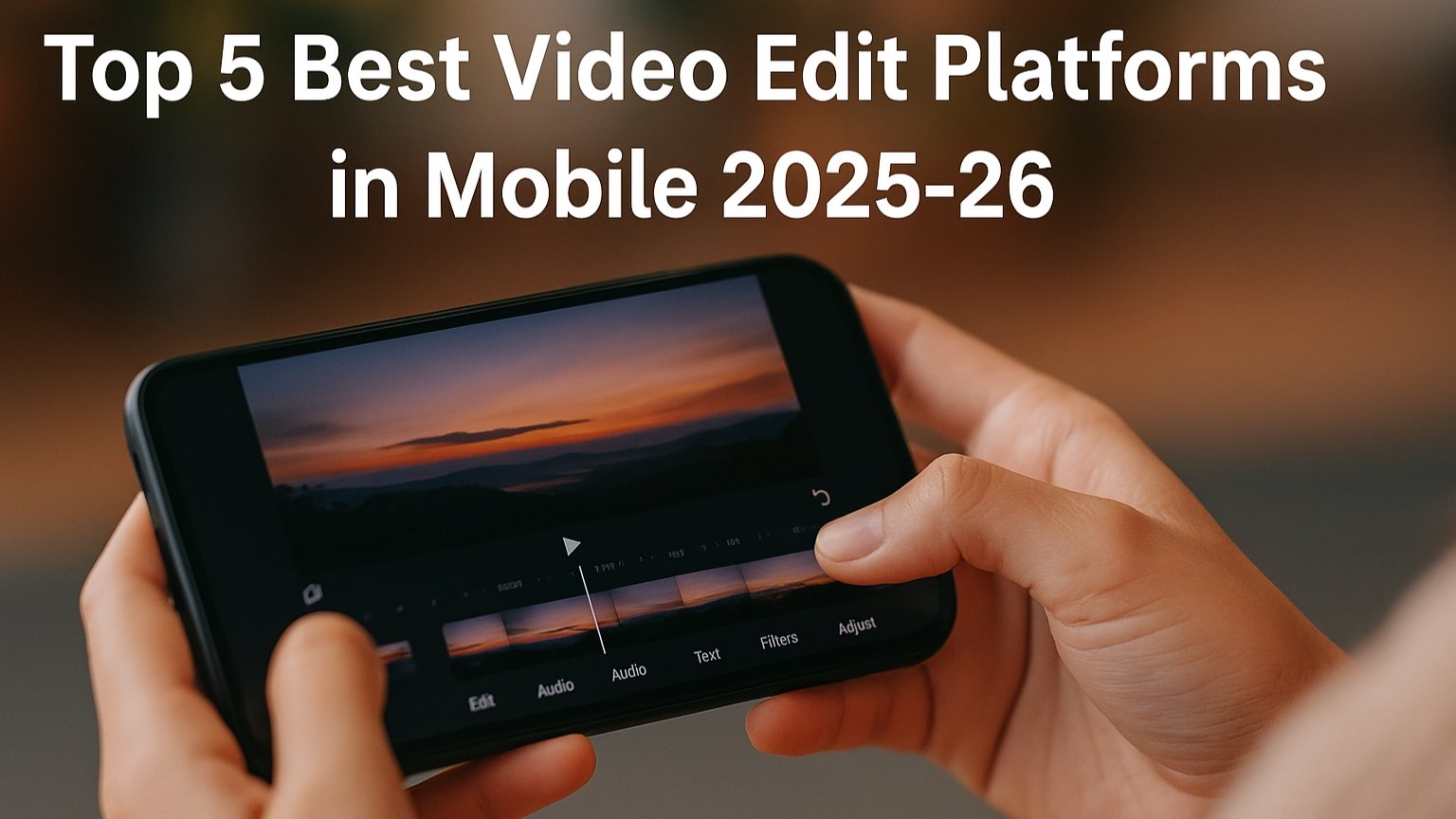
Video editing on mobile has become more powerful and convenient than ever. Whether you’re a beginner creating short videos or a professional editing YouTube content, today’s mobile editors offer desktop-level tools with simple interfaces. Here are the Top 5 Best Video Editing Platforms for Mobile, along with detailed features and benefits.
1. CapCut – The Most User-Friendly All-Rounder
CapCut is one of the most popular mobile editing apps because it combines simplicity with advanced capabilities. The interface is clean, making it easy for beginners to start editing instantly. CapCut includes features like multi-layer editing, green-screen keying, speed ramping, slow motion, AI captioning, and an extensive library of transitions and effects.
The app’s standout elements are Auto Captions, Auto Beat Sync, and AI Background Remover, which reduce manual work and speed up content creation. Export quality goes up to 4K, making it suitable for YouTube, Instagram Reels, TikTok, and professional-level projects. Since CapCut is entirely free, it offers unbeatable value.
2. KineMaster – Best for Multi-Layer Professional Editing
KineMaster is known for giving mobile users a desktop-style editing experience. The app supports multiple video, audio, text, sticker, and overlay layers, allowing users to build complex visual sequences. It offers precise trimming, chroma keying, audio mixing, blend modes, and color adjustment tools.
For creators who want deeper timeline control, KineMaster is a great pick. It helps in making cinematic videos, YouTube vlogs, college projects, and even short films. Although the free version includes a watermark, the premium subscription unlocks watermark-free exports and access to the full asset store.
3. VN Video Editor – Ideal for Influencers and Short-Form Creators
VN (VlogNow) has rapidly gained popularity among Reels, Shorts, and TikTok creators. Its interface is simple, clean, and perfect for beginners who want quick results without learning complicated tools. VN offers speed ramping, keyframe animation, LUT support, transitions, filters, and advanced color grading.
One of VN’s biggest advantages is that it is completely free with no watermark. It also allows custom export settings such as bit rate, resolution, and frame rate. VN further supports cloud syncing, enabling creators to switch between mobile and desktop devices seamlessly.
4. PowerDirector – Best for Professional & Fast Rendering
PowerDirector is a high-performance editing platform that delivers fast rendering and professional-level features. It includes advanced tools like video stabilization, green-screen, animated titles, slow motion, and AI visual effects. It even offers a built-in stock library with music, sound effects, and stock footage.
Users love PowerDirector for its smoothness and speed during 4K exports. Its interface closely resembles desktop editors, making it ideal for creators who need powerful editing but prefer working on mobile. It’s especially recommended for YouTubers, travel vloggers, and business content creators.
5. InShot – Best for Quick, Stylish, and Social Media-Friendly Edits
InShot is designed for creators who want fast, stylish edits without complicated timelines. It is especially popular for Instagram Reels, TikTok videos, and WhatsApp status clips. InShot provides essential tools like trimming, merging, filters, transitions, music syncing, and animated text.
One of its strongest features is the canvas resize tool, which lets users instantly convert videos to 9:16, 1:1, or 16:9 based on the platform. InShot’s ready-made templates and trendy effects help beginners edit high-quality videos in minutes. While the free version has ads and watermarks, its premium version offers better filters and transitions.
Conclusion
Choosing the right mobile video editor depends on your editing style and purpose. CapCut and VN are excellent free choices with strong all-round features. KineMaster and PowerDirector are perfect for professionals who want deeper controls and multi-layer editing. If you need quick and stylish edits for social media, InShot is the best fit.
With these top mobile video editing platforms, anyone can create high-quality videos directly from their phone—anytime and anywhere.