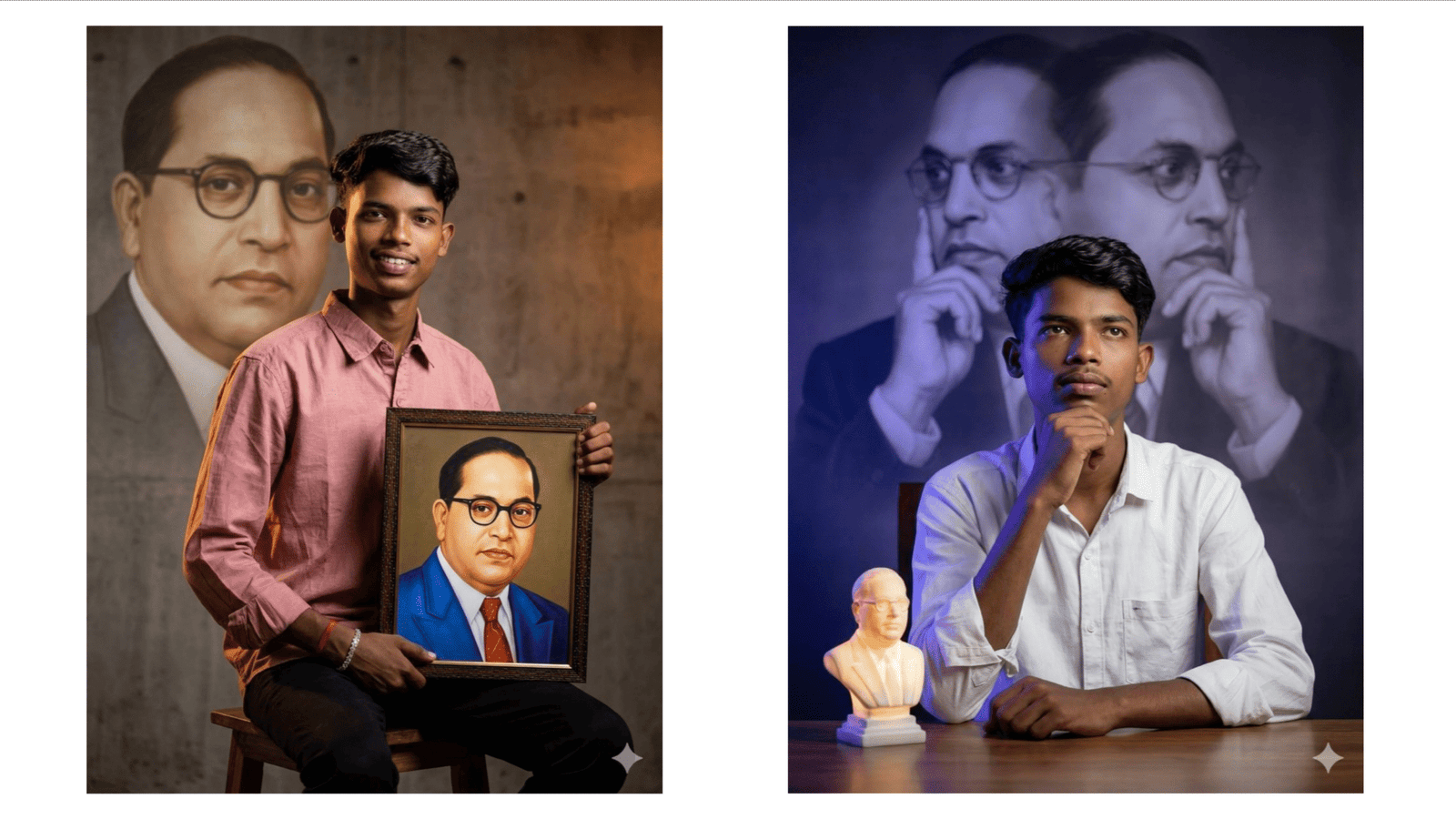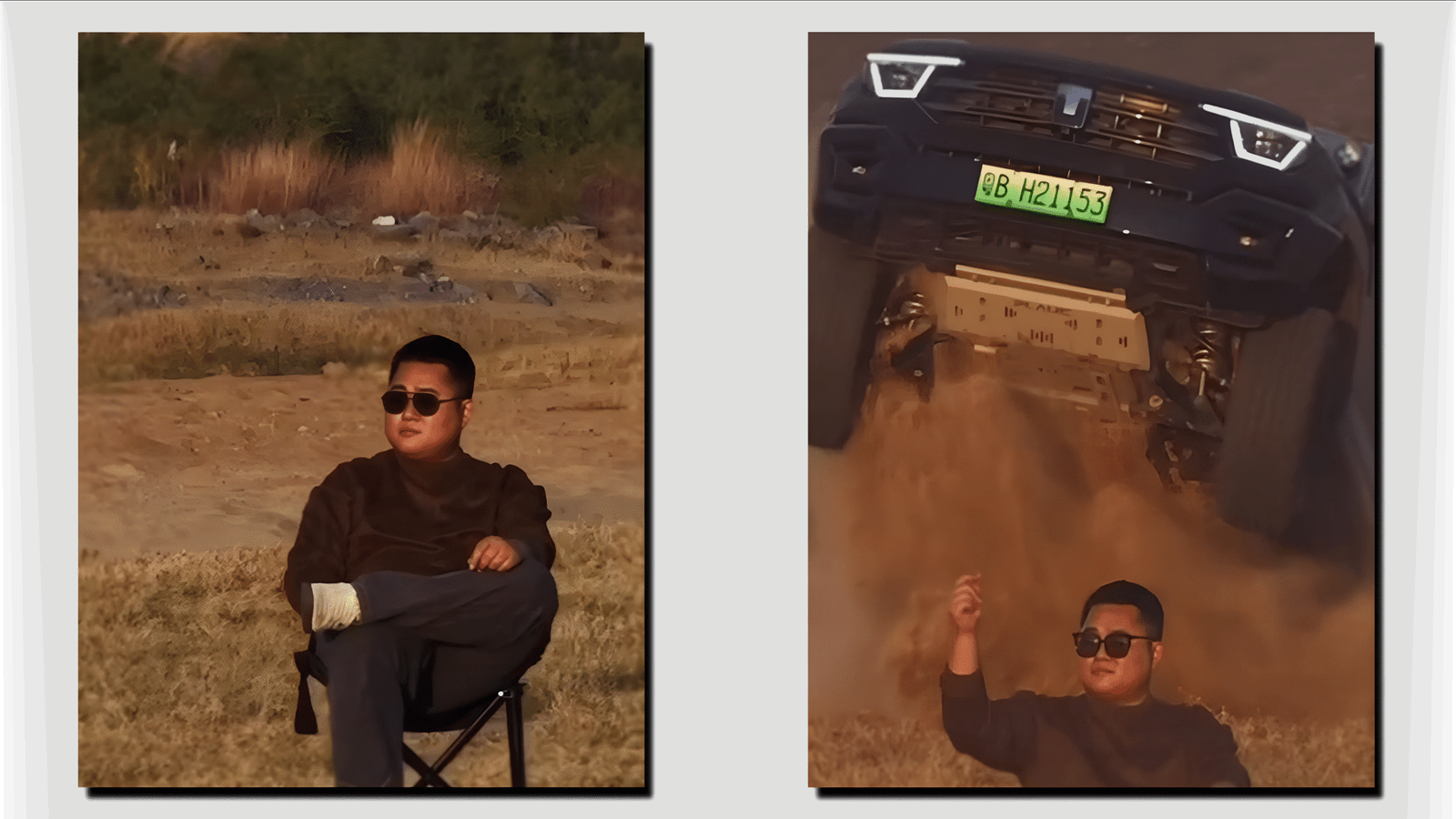
In today’s digital era, car videos are one of the most popular content formats on social media platforms like Instagram, YouTube Shorts, and Reels. From cinematic car reveals to smooth driving shots, creators want eye-catching visuals. This is where Kling AI is becoming a trending tool. Kling AI is an advanced artificial intelligence platform that helps users generate and edit videos using simple text prompts, making car video editing faster and more creative than ever before.
What is Kling AI?
Kling AI is a powerful AI video generation and editing tool that transforms text descriptions and images into high-quality videos. Developed with cutting-edge deep learning technology, it can create realistic motion, lighting, and cinematic effects. For car lovers and auto content creators, Kling AI opens new doors to create professional videos without complex software or expensive equipment.
Why Kling AI is Trending for Car Video Editing
Car videos require smooth motion, realistic reflections, and dynamic backgrounds. Kling AI handles these elements very well. The tool can generate driving scenes, showroom-style presentations, futuristic car visuals, and even action sequences. Because of its easy prompt-based system, even beginners can design impressive car videos in minutes.
Another reason for its popularity is time saving. Traditional editing may take hours, while Kling AI can deliver results quickly, helping creators post more content consistently.
How to Use Kling AI for Car Video Editing
Using Kling AI is simple and user-friendly:
- Sign Up and Login – Create an account on the Kling AI platform.
- Choose Video Generation Mode – Select text-to-video or image-to-video based on your project.
- Write a Prompt – Describe your car scene clearly, such as “A red sports car racing on a coastal highway at sunset with cinematic lighting.”
- Set Duration and Style – Choose video length, camera angle, and visual style if available.
- Generate Video – Let AI process your input and create the video.
- Download and Edit – Export the video and make final touches using any editor if needed.
Best Prompt Tips for Car Videos
To get better results, prompts should be detailed. Mention car color, model type, environment, lighting, camera movement, and mood. For example:
The more specific your prompt, the more realistic the output.
Key Features for Auto Creators
- Cinematic Motion – Smooth camera movements and realistic driving scenes.
- High Visual Quality – Sharp details and lifelike car textures.
- Creative Freedom – Generate futuristic or fantasy car concepts.
- No Editing Skills Needed – Perfect for beginners.
- Fast Output – Saves time and effort.
Who Can Use Kling AI for Car Videos?
Kling AI is useful for car dealers, auto vloggers, Instagram creators, YouTubers, marketing agencies, and even students learning video creation. It helps promote vehicles, create ads, or simply showcase car designs creatively.
Benefits of Using Kling AI
Kling AI reduces production costs, removes the need for professional cameras, and allows unlimited creativity. It also helps small creators compete with big brands by producing high-quality visuals using AI.
Final Words
Kling AI is changing how car videos are created in 2025. With its prompt-based video generation and smart editing features, anyone can design stunning automotive content. If you want to grow your social media presence or promote vehicles with eye-catching videos, Kling AI is definitely a tool worth trying.