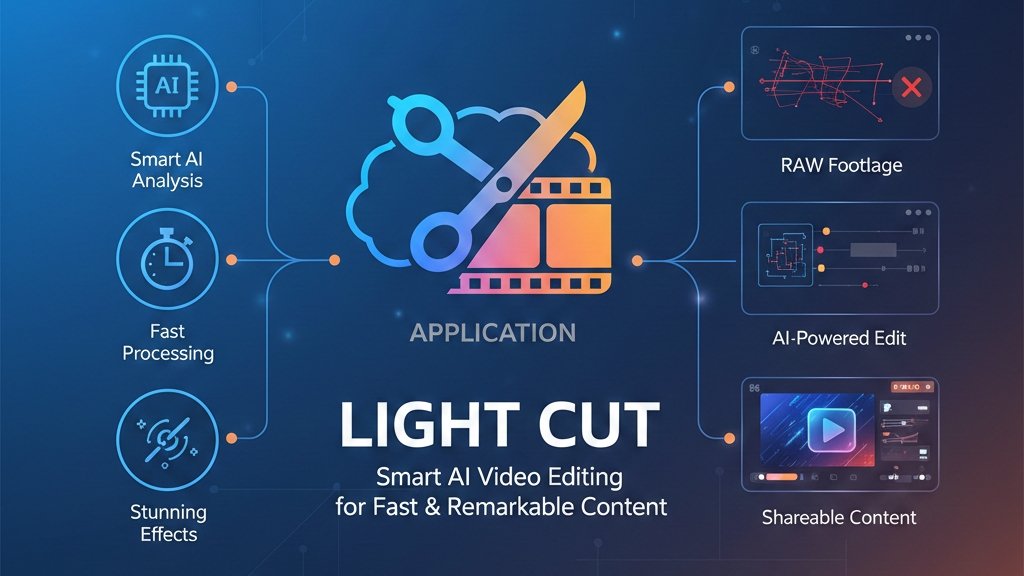
In today’s digital world, video content has become the most powerful way to share ideas, stories, and creativity. Whether you are a YouTuber, Instagram creator, or someone who loves making travel vlogs, having the right video editing app is essential. LightCut is one such application that is gaining popularity for its smart features and easy editing experience.
What is LightCut?
LightCut is an AI-powered video editing application designed to help users create professional-looking videos with minimal effort. It is especially useful for beginners who do not have technical editing knowledge. With just a few taps, LightCut can turn raw clips into stylish videos ready for social media.
AI Auto Editing – The Key Feature
The standout feature of LightCut is its AI auto-edit mode. Users simply select their video clips, and the app automatically analyzes the footage, picks the best moments, adds transitions, applies effects, and syncs music. This feature saves time and removes the complexity of manual editing, making it perfect for quick content creation.
Ready-Made Templates for Every Mood
LightCut offers a wide collection of templates for different types of videos such as travel, daily life, celebrations, sports, and cinematic clips. Each template includes pre-designed transitions, music, and effects. Users can choose a template, add their clips, and get a polished video within minutes. Templates can also be customized to match personal style.
Simple Interface and Manual Tools
For users who want more control, LightCut provides manual editing tools like trimming, splitting, speed control, filters, and transitions. You can also adjust brightness, contrast, and colors to enhance video quality.
Music, Text, and Creative Effects
LightCut comes with a built-in music library featuring tracks for different moods such as energetic, calm, and cinematic. The app can automatically match video cuts with music beats for a professional feel. Text tools allow users to add titles, captions, and subtitles with stylish fonts and animations. Stickers and effects further enhance creativity.
High-Quality Export and Easy Sharing
After editing, users can export videos in high resolution, suitable for platforms like YouTube, Instagram Reels, Facebook, and TikTok. LightCut allows direct sharing from the app, making the publishing process faster and smoother.
Free to Use and Device Friendly
One of the biggest advantages of LightCut is that many premium-style features are available for free, often without heavy watermarks. The app works smoothly on both Android and iOS devices and performs well even on mid-range smartphones. It is also popular among DJI camera and drone users due to good footage compatibility.
Why Choose LightCut?
LightCut is ideal for anyone who wants quick, attractive video edits without spending hours learning complex software. Its AI-powered tools, templates, and simple controls make it perfect for beginners as well as busy content creators.
Final Words
If you are looking for a smart, fast, and reliable video editing app, LightCut is worth trying. It helps transform everyday videos into eye-catching content with ease. From social media posts to personal memories, LightCut makes video editing simple and enjoyable for everyone.