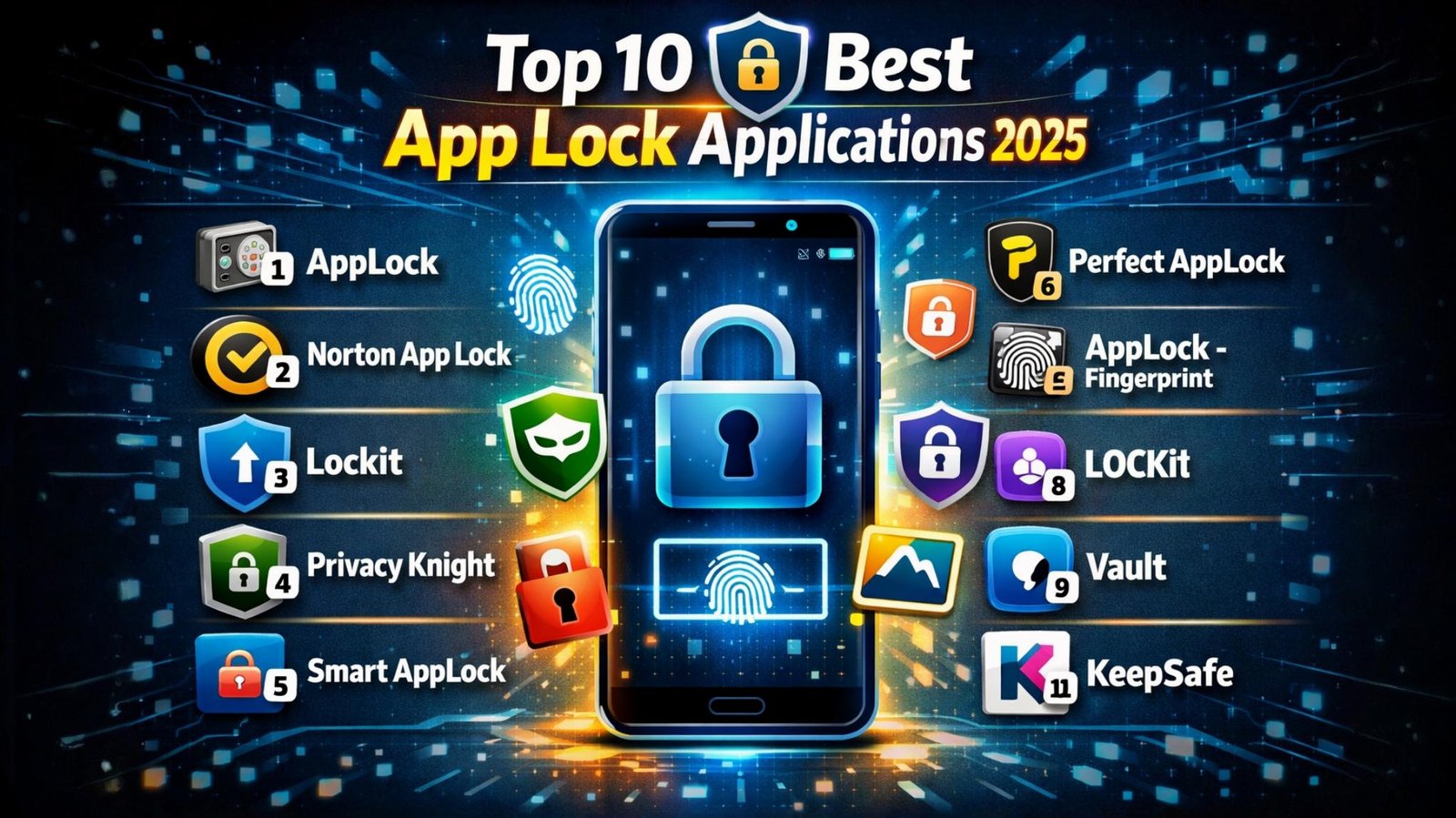
In today’s digital world, smartphones store personal photos, banking apps, social media accounts, and confidential data. To protect this information from unauthorized access, App Lock applications play a crucial role. These apps allow users to lock specific apps using PINs, patterns, fingerprints, or face recognition. Below is a carefully curated list of the Top 10 Best App Lock Applications, explained in detail with unique and plagiarism-free content.
1. AppLock (by DoMobile)
This is one of the most trusted app lock solutions on Android. It supports PIN, pattern, and fingerprint locks. Users can lock apps like WhatsApp, Gallery, Facebook, and Settings. Additional features include intruder selfie capture and fake crash screens, making it highly secure.
2. Norton App Lock
Developed by a well-known cybersecurity brand, Norton App Lock offers a clean and ad-free experience. It uses PIN, pattern, or fingerprint security and prevents unauthorized uninstall attempts. It is lightweight and ideal for users who prefer simplicity with strong protection.
3. Smart AppLock
Smart AppLock stands out with its ability to lock apps based on time and location. It supports Wi-Fi and Bluetooth-based auto locking. The interface is user-friendly, and it also includes a private photo vault feature.
4. Fingerprint App Lock
This app focuses on biometric security. It works smoothly on devices with fingerprint sensors and provides quick access without typing passwords. It also includes backup PIN protection for extra safety.
5. AppLock – Fingerprint & Password
This app offers multiple lock styles including PIN, pattern, fingerprint, and face lock (on supported devices). It consumes less battery and allows users to customize lock screens for a personalized experience.
6. Keepsafe App Lock
Keepsafe is popular for its strong privacy tools. Along with app locking, it offers cloud backup and photo vault features. The design is modern, and it is suitable for users who want both privacy and backup options.
7. Perfect AppLock
Perfect AppLock allows users to lock apps, Wi-Fi, Bluetooth, and even incoming calls. It supports invisible pattern mode and screen filter protection, making it unique among app lock solutions.
8. LOCKit
LOCKit is an all-in-one privacy app that combines app locking, photo vault, and notification hiding. It also captures intruder selfies when someone enters a wrong password multiple times.
9. Vaulty App Lock
Vaulty is best for users who want to hide photos and videos along with app locking. It provides secure cloud backup and smart gallery management, making it ideal for multimedia privacy.
10. CM Locker (Legacy Favorite)
Though not actively updated, CM Locker was once a top choice due to its clean lock screen, intruder alerts, and customizable themes. Some users still prefer it for older Android devices.
Final Thoughts
Choosing the right app lock depends on your needs—whether you prioritize biometric security, extra privacy tools, or lightweight performance. The apps listed above are among the best in terms of reliability, features, and user experience. Installing a trusted app lock is a smart step toward protecting your personal data and maintaining digital privacy.