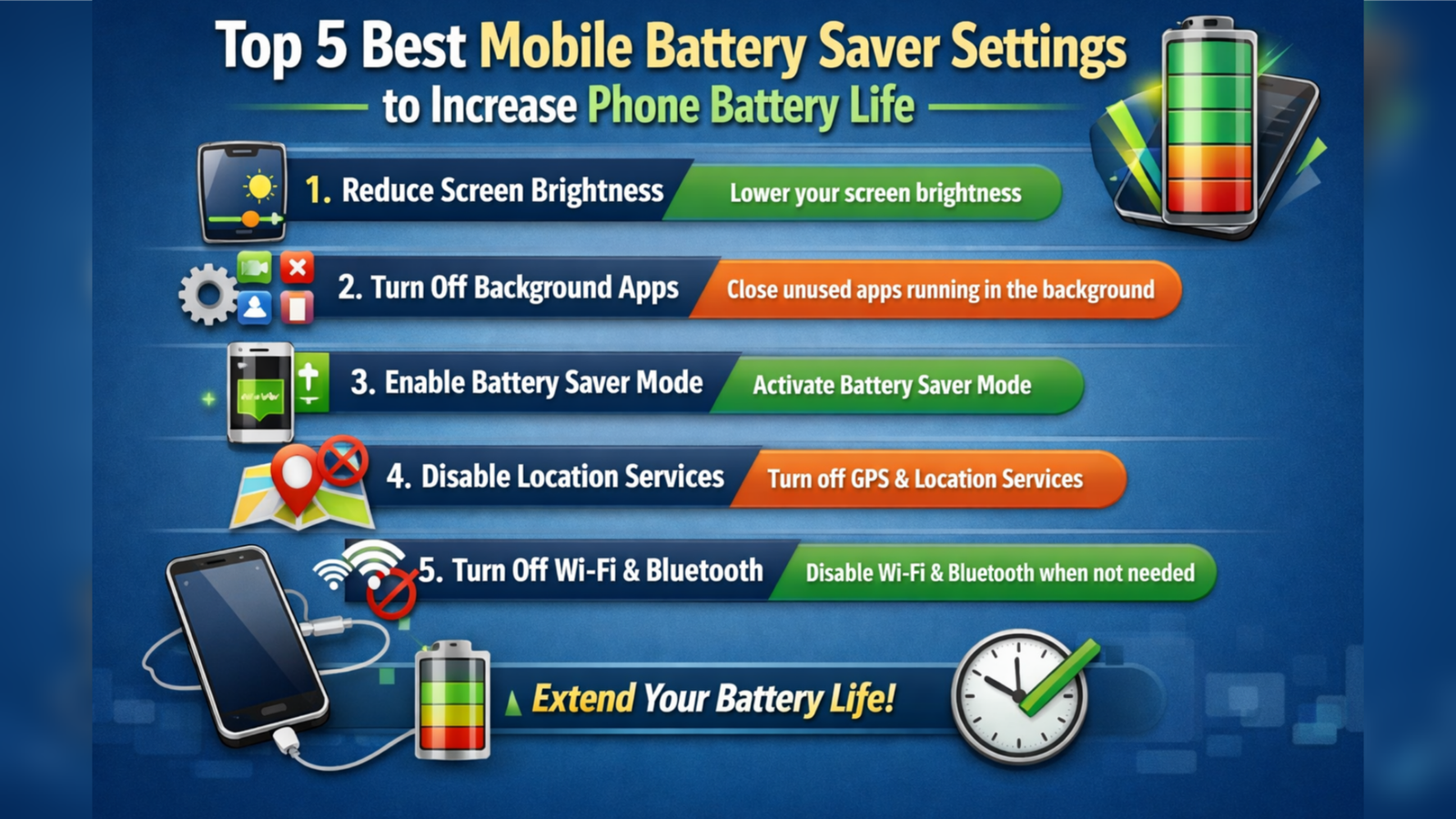
Smartphones have become an essential part of our daily lives, but fast battery drain remains one of the biggest problems. Many users charge their phones multiple times a day without realizing that simple settings can significantly improve battery performance. By using the right battery saver settings, you can extend your mobile’s usage time and reduce battery wear. Below are the Top 5 Best Mobile Battery Saver Settings that every smartphone user should enable for longer battery life.
1. Enable Built-in Battery Saver Mode
Almost every Android and iPhone comes with a built-in Battery Saver or Low Power Mode. This setting limits background activities, reduces system performance slightly, and prevents unnecessary apps from draining power.
When Battery Saver mode is turned on, your phone stops syncing emails frequently, lowers screen brightness, and pauses background apps. This is one of the most powerful ways to reduce battery consumption without installing any extra apps.
2. Reduce Screen Brightness and Use Auto-Brightness
The display is the biggest battery drainer in any smartphone. High brightness and long screen-on time quickly consume power.
Also, reducing the screen timeout to 30 seconds or 1 minute helps a lot. When the phone stays awake unnecessarily, it continues to use battery. A darker screen means less energy consumption, especially on AMOLED displays where dark pixels use less power.
3. Turn Off Background App Refresh
Many apps keep running in the background even when you are not using them. They sync data, send notifications, and update content, which consumes battery continuously.
Go to your phone’s app settings and restrict background activity for apps like social media, shopping, and games. You can allow important apps such as WhatsApp or phone services to run in the background, but limit the rest. This setting can increase battery backup by several hours.
4. Disable Location, Bluetooth, and Wi-Fi When Not Needed
GPS, Bluetooth, and Wi-Fi keep searching for signals even when you are not using them. This wastes a lot of power.
Turn off location services unless you are using maps or travel apps. Switch off Bluetooth when not connected to earphones or a smartwatch. Also, disable Wi-Fi when you are outside or using mobile data. These small habits greatly reduce battery drain throughout the day.
5. Activate Dark Mode and Use Dark Wallpapers
Dark Mode is not just stylish—it is also a battery saver, especially on phones with AMOLED or OLED screens.
Using dark themes, black wallpapers, and dark mode in apps like Chrome, YouTube, and Instagram helps reduce power usage. Over time, this can significantly improve daily battery performance.
Final Words
Your smartphone already has powerful battery-saving tools—you just need to use them properly. By enabling Battery Saver mode, reducing screen brightness, controlling background apps, disabling unused connections, and using dark mode, you can easily get 30–50% more battery life every day.
Instead of depending on third-party apps, these simple mobile settings can make your phone last longer, charge less often, and stay healthy for years. Turn them on today and enjoy a longer-lasting battery experience.