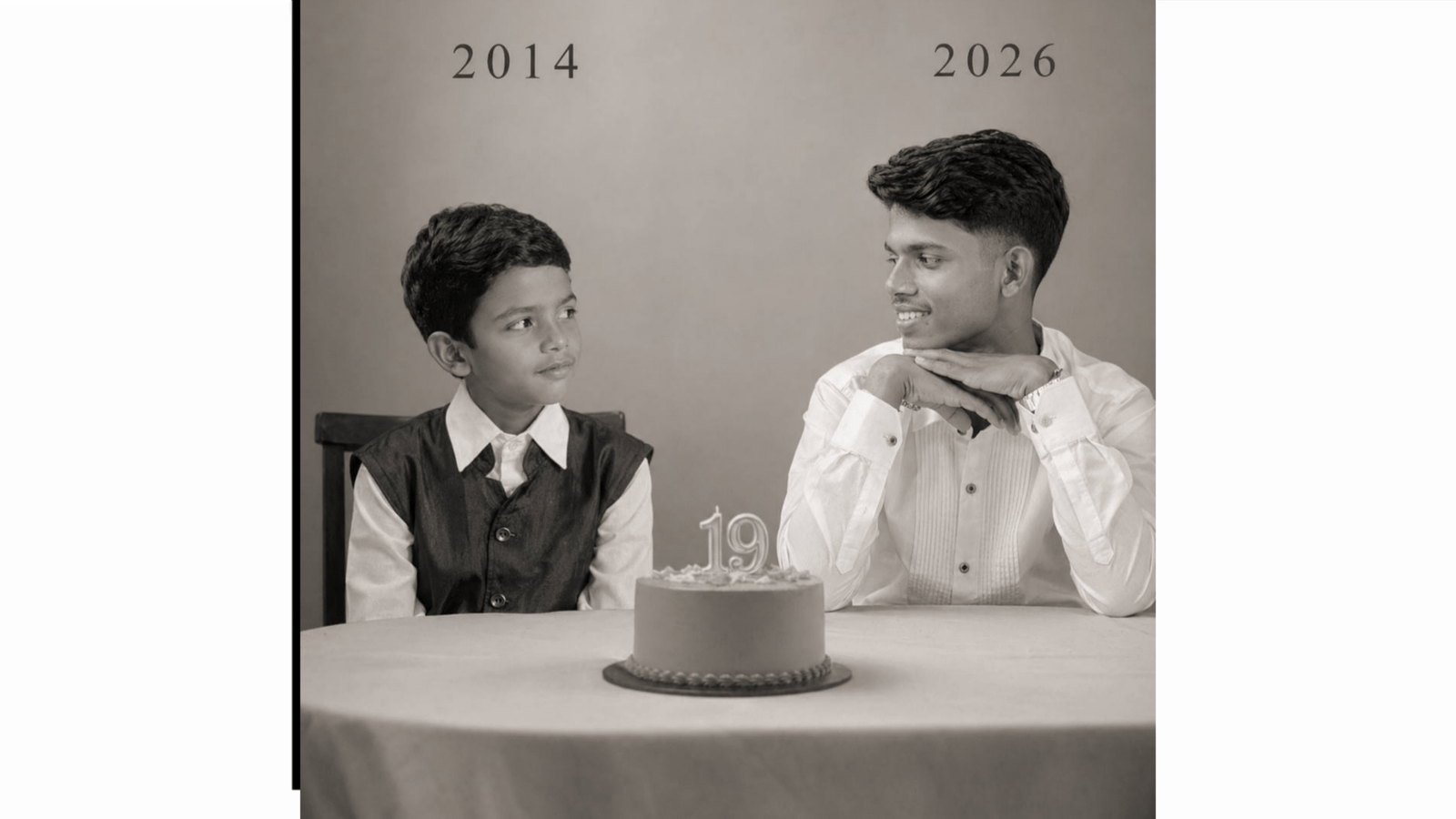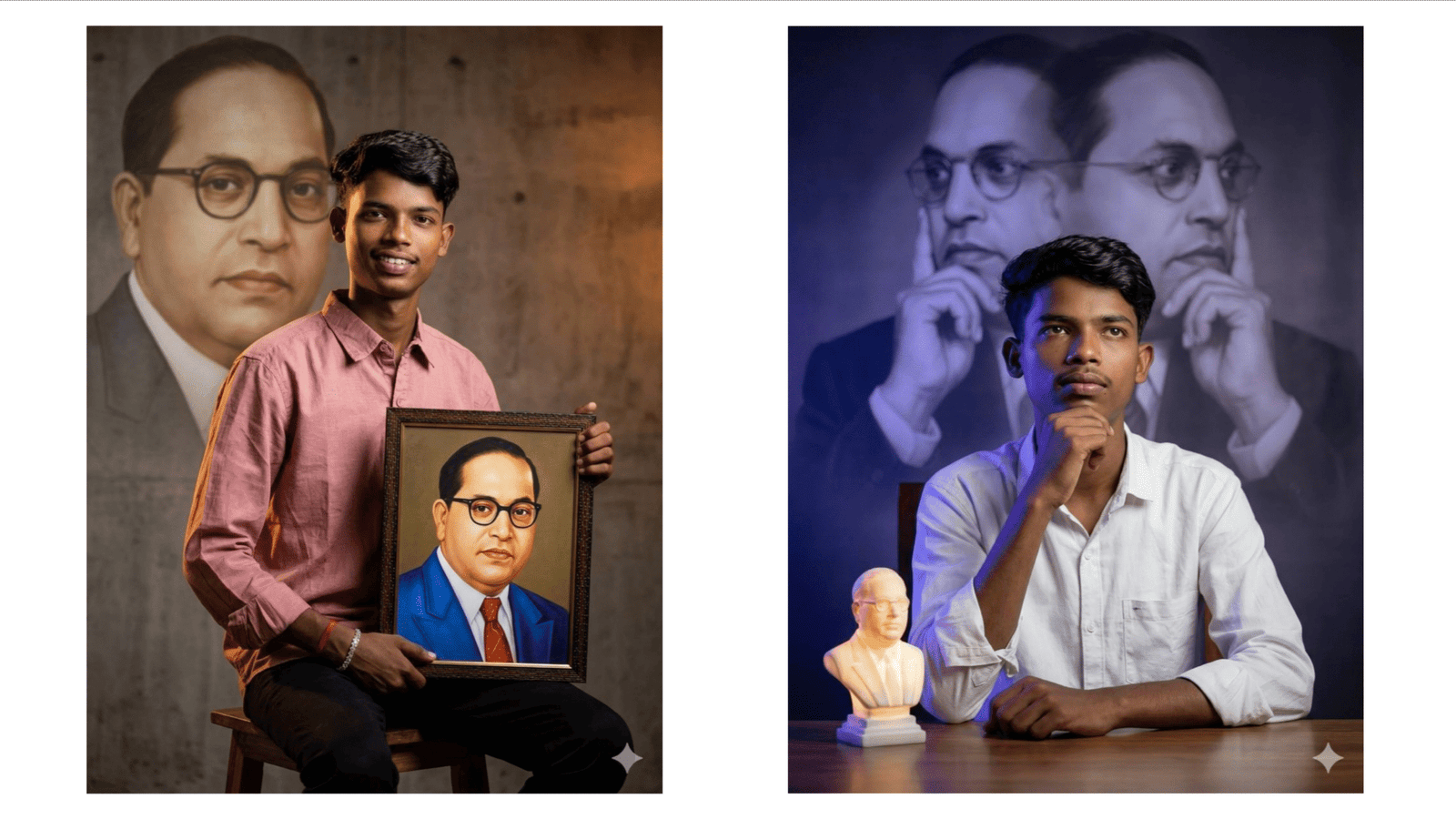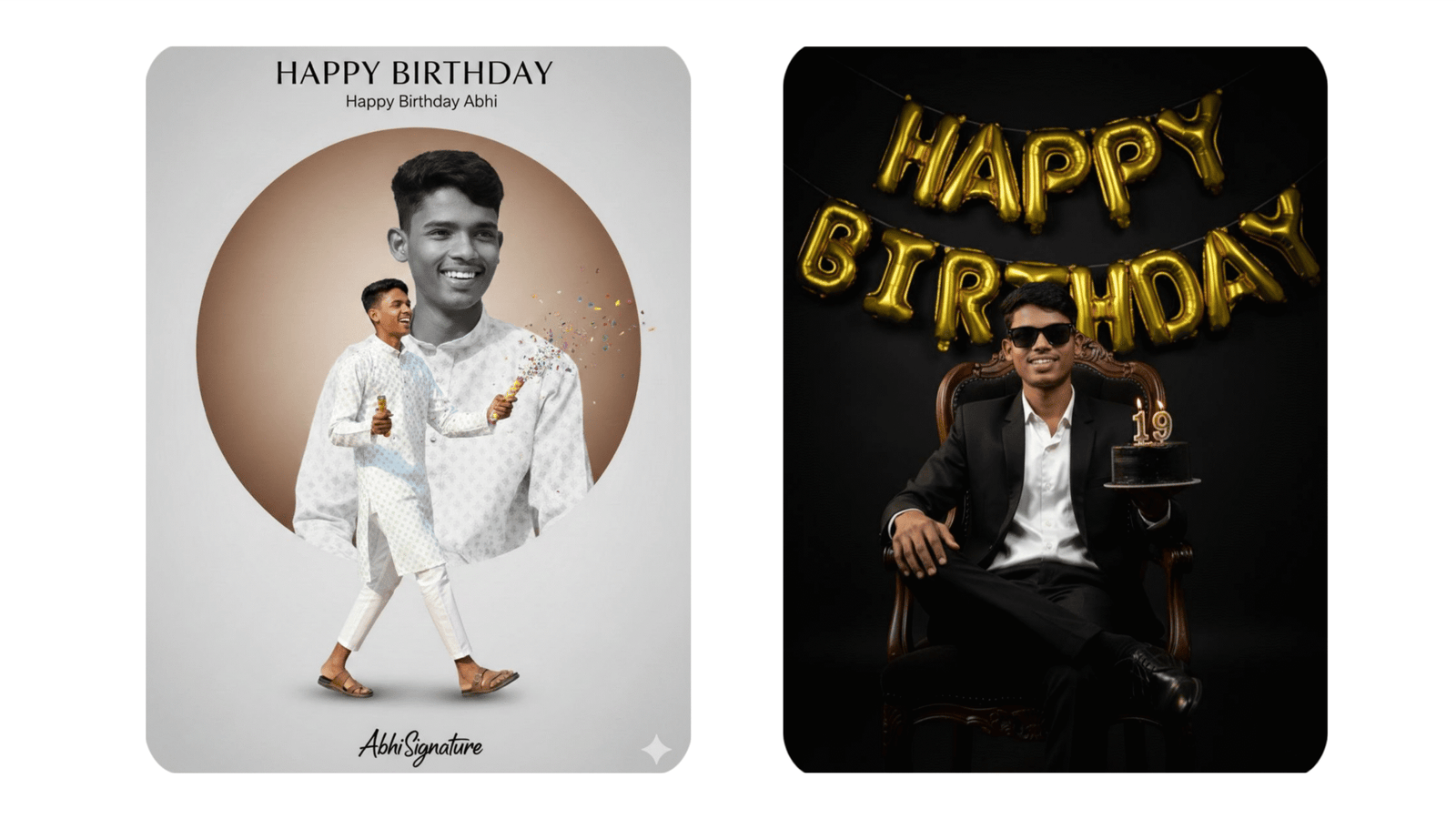
In 2026, AI-powered photo editing has become one of the most popular trends for creating stylish and personalized birthday posters. Tools like Google Gemini and ChatGPT are helping users design professional Happy Birthday photo edits simply by using detailed text prompts. You no longer need advanced graphic design skills or expensive editing software. With the right prompt, you can generate creative, high-quality birthday images within minutes.
Why AI Birthday Photo Editing Is Trending
AI tools understand natural language instructions. This means you can describe the style, background, lighting, and text you want, and the system will create a visually appealing design based on your description. The biggest advantage is speed and simplicity. Instead of spending hours editing manually, you just write a clear prompt and generate the image instantly.
AI birthday photo editing is trending because:
- It saves time
- It requires no technical skills
- It allows full customization
- It produces high-resolution images
- It supports creative and unique themes
Step 1: Choose the Right Tool
Google Gemini is helpful for generating creative ideas and structuring detailed prompts. It can guide you in writing professional descriptions that improve image quality.
ChatGPT can help you create powerful prompts and refine them for better results. If connected with image generation features, it can directly produce birthday-themed images based on your instructions.
Step 2: Structure a Powerful Prompt
A strong prompt is the key to getting a professional birthday photo edit. Your prompt should clearly mention:
- Name of the person
- Age (optional)
- Background style
- Color theme
- Lighting effect
- Mood or atmosphere
- Decorative elements
- Image quality settings
Example prompt for boys:
“Create a luxury royal Happy Birthday poster for a young man named Rahul, dark blue and gold background, glowing light particles, elegant golden typography, realistic birthday cake, professional studio lighting, ultra-detailed, 4K resolution.”
Example prompt for girls:
“Design a soft pastel Happy Birthday photo edit for a girl named Ananya, pink floral background, butterflies, smooth lighting, stylish handwritten font, bright and cheerful mood, high resolution, sharp focus.”
The more specific your prompt, the better your final result will be.
Step 3: Use Trending Birthday Themes in 2026
Some popular birthday editing styles include:
Royal Gold Theme – Dark backgrounds with gold crowns, luxury chairs, glowing particles, and bold typography.
Cinematic Theme – Sunset lighting, dramatic shadows, depth blur, and film-style color grading.
Minimal Aesthetic Theme – Simple background, clean fonts, soft natural light.
Floral Pastel Theme – Pink, lavender, or peach tones with flowers and soft dreamy effects.
Choose one theme and clearly describe it in your prompt.
Step 4: Add Quality-Boosting Keywords
To generate premium images, include keywords such as:
- Ultra-detailed
- Realistic lighting
- Professional photography
- High dynamic range
- Sharp focus
- 4K resolution
- Vibrant colors
These keywords help the AI understand that you want a high-quality and polished output.
Step 5: Final Touch and Sharing
After generating the image, review the output. If needed, slightly modify your prompt and regenerate for better results. Once satisfied, download the image in high resolution and share it on Instagram, WhatsApp, Facebook, or print it as a birthday poster.
Conclusion
Google Gemini and ChatGPT have transformed birthday photo editing into a simple and creative process. With the right prompt structure and trending themes, anyone can design stunning Happy Birthday images without professional editing experience. Clear instructions, detailed descriptions, and high-quality keywords are the secret to achieving impressive results. AI-powered birthday editing is not just a trend but a smart and modern way to celebrate special moments with style and personalization.