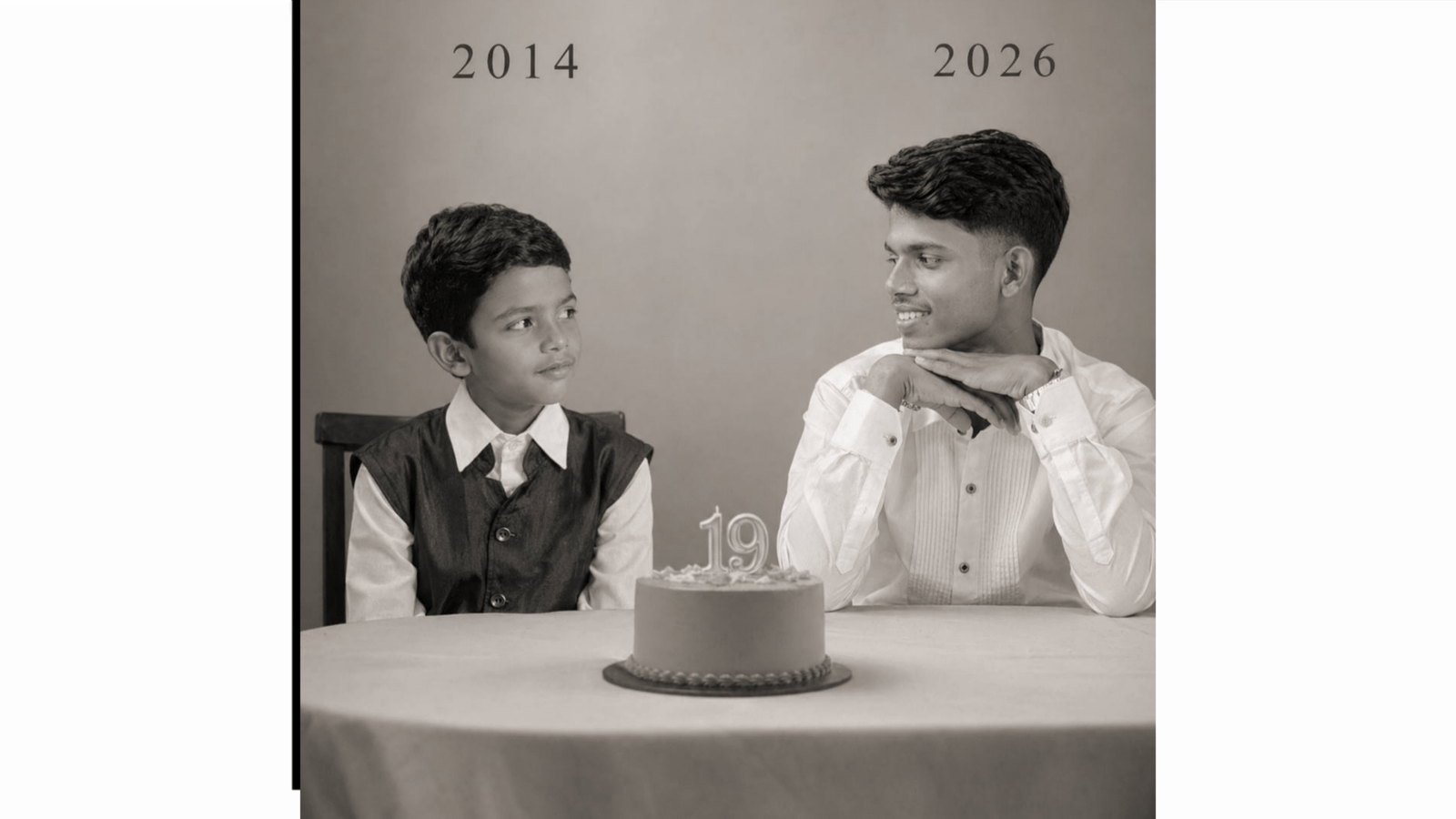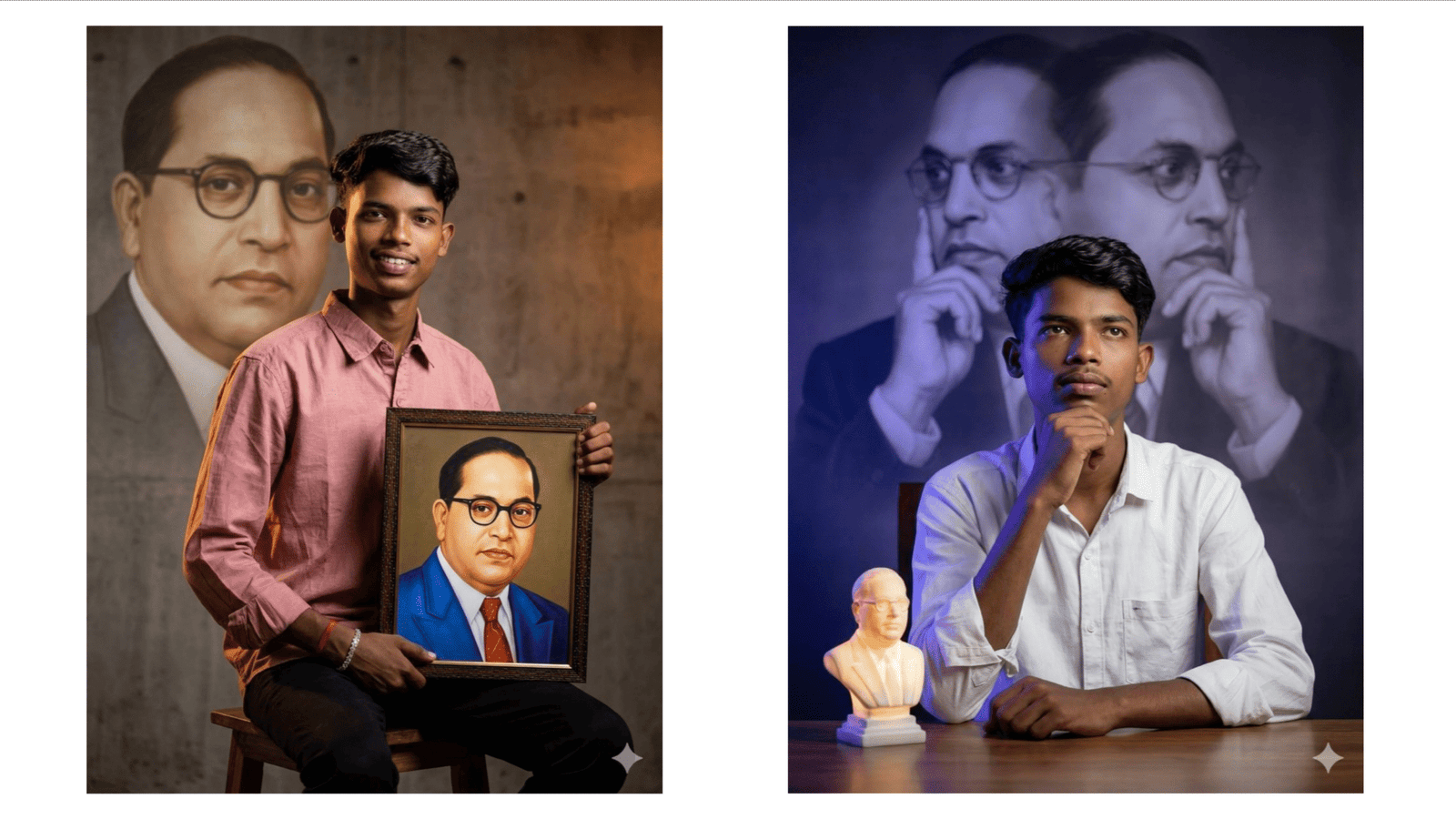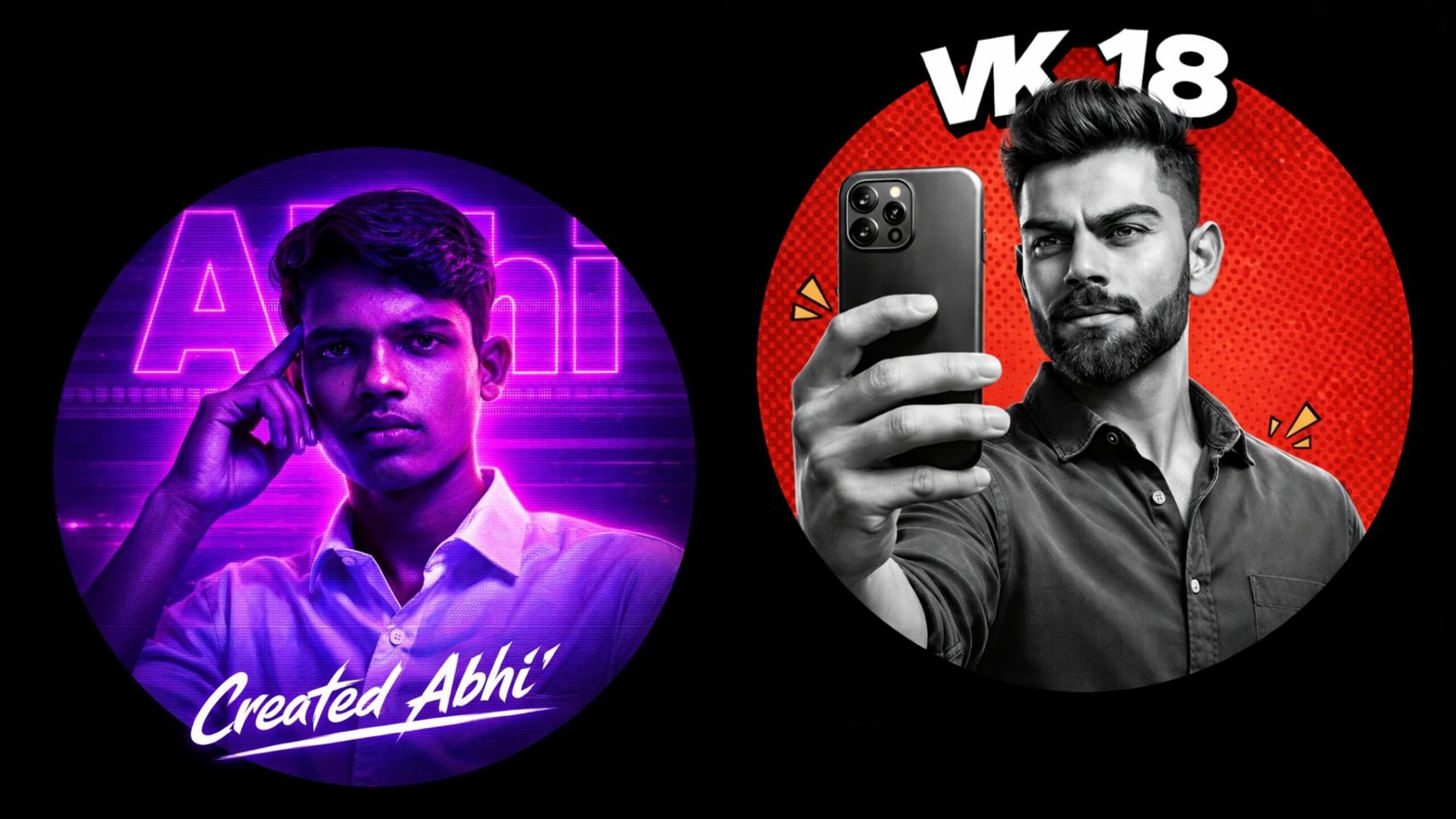
In today’s digital world, your profile picture (DP) is more than just an image. It represents your personality, creativity, and online identity. With the rise of AI tools like OpenAI’s ChatGPT and Google’s Google Gemini, creating stunning and professional display pictures has become easier than ever. These AI platforms allow users to generate high-quality, artistic, and customized profile images simply by using well-written prompts.
Why AI-Generated Profile Pictures Are Trending
AI-generated images are trending because they save time, reduce editing effort, and offer endless creativity. Instead of downloading random images or hiring professional designers, you can now describe your idea in text and let AI transform it into a unique visual. Whether you want a professional LinkedIn photo, a stylish Instagram DP, or a creative gaming avatar, AI tools can produce impressive results within seconds.
The main reason for this trend is accessibility. Both ChatGPT and Google Gemini support detailed prompts, allowing users to explain their desired style, background, lighting, mood, and even camera angle. This level of customization makes AI-generated DPs look premium and eye-catching.
How to Create a Profile Picture Using ChatGPT or Google Gemini
Creating your DP with AI is simple if you follow the right steps:
1. Choose the Right AI Tool
Select either ChatGPT or Google Gemini. Both platforms support advanced AI capabilities, including image-related guidance and prompt creation. If image generation is integrated, you can directly generate your DP. Otherwise, you can use the prompt created by AI in image-generation tools.
2. Write a Clear and Detailed Prompt
A strong prompt gives better results. Include details such as:
- Gender and age
- Outfit style
- Background theme
- Lighting type
- Camera quality
- Mood or expression
Example Prompt for a Creative Social Media DP
“Generate a stylish Instagram profile picture of a young man with modern haircut, black hoodie, neon city background at night, cinematic lighting, vibrant colors, ultra HD, realistic face details.”
You can modify the prompt based on your personality and social media needs.
Tips for Better AI Profile Pictures
- Always mention image quality (HD, 4K, ultra realistic).
- Specify lighting (natural light, golden hour, studio light).
- Add camera details (DSLR, portrait lens, sharp focus).
- Choose a matching background (office, beach, city, abstract art).
- Keep the prompt clear and avoid unnecessary words.
The more specific your description, the more accurate and attractive your DP will look.
ChatGPT vs Google Gemini for DP Creation
Both platforms are powerful, but your choice depends on your comfort and requirements. ChatGPT is known for structured and creative prompt writing, while Google Gemini integrates well with Google services and search-based inspiration. If you want well-organized and highly descriptive prompts, ChatGPT is very helpful. If you prefer integration with Google tools and updated trends, Gemini can be useful.
Final Thoughts
AI is transforming the way we create and edit images. With ChatGPT and Google Gemini, anyone can design a professional, stylish, and unique profile picture without advanced editing skills. The key is writing the right prompt with clear details about style, lighting, and mood. As AI continues to evolve, creating personalized DPs will become even more creative and effortless.
Start experimenting with prompts today and upgrade your profile picture with the power of AI.
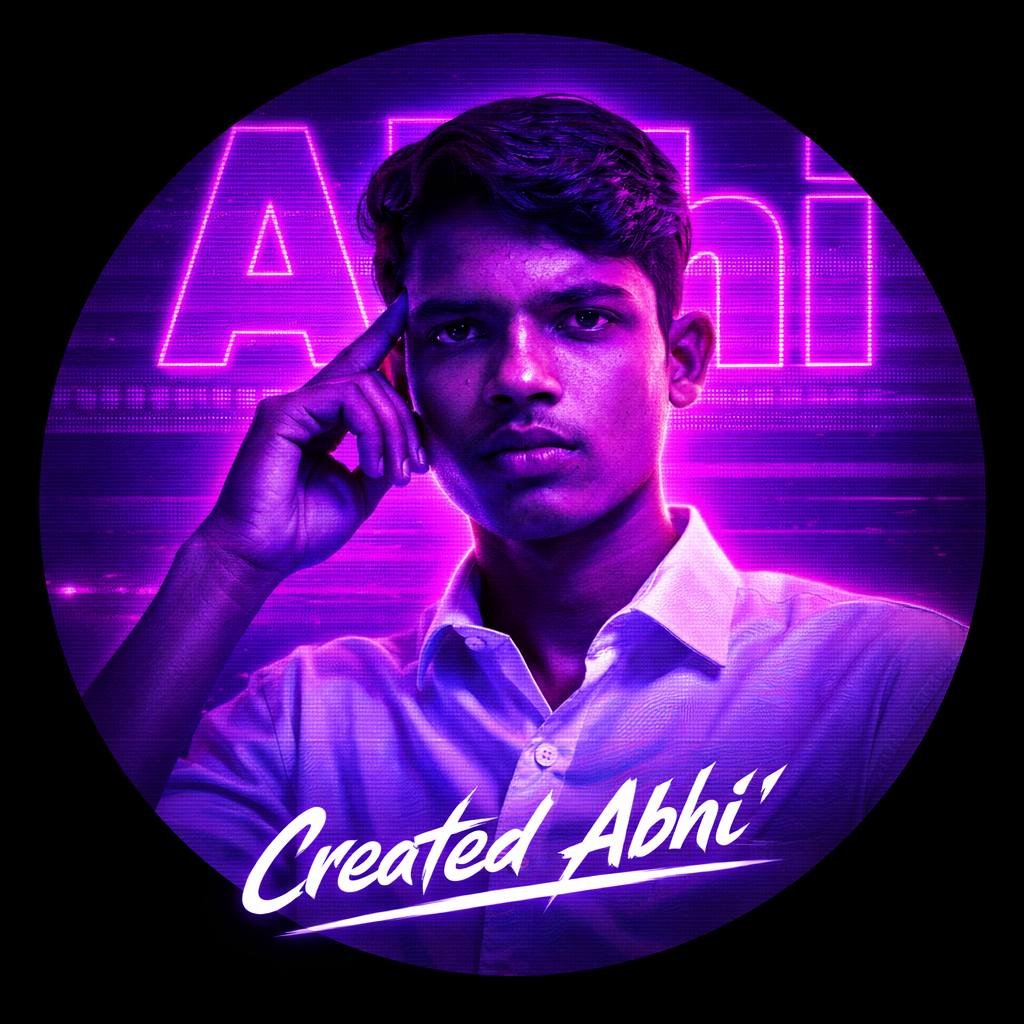
A circular profile picture 1,173 design featuring Indian young boy. He is wearing a crisp white button-down shirt and looking intensely at the camera with a serious expression, his right hand raised with fingers touching his temple. The image has a strong monochromatic purple and neon magenta aesthetic. The background features large, translucent block text reading Abhi' and a horizontal CRT scanline texture overlay. At the bottom, there is sharp, stylized white text that reads Created Abhi'. High contrast, digital fan art style, glowing neon lighting.