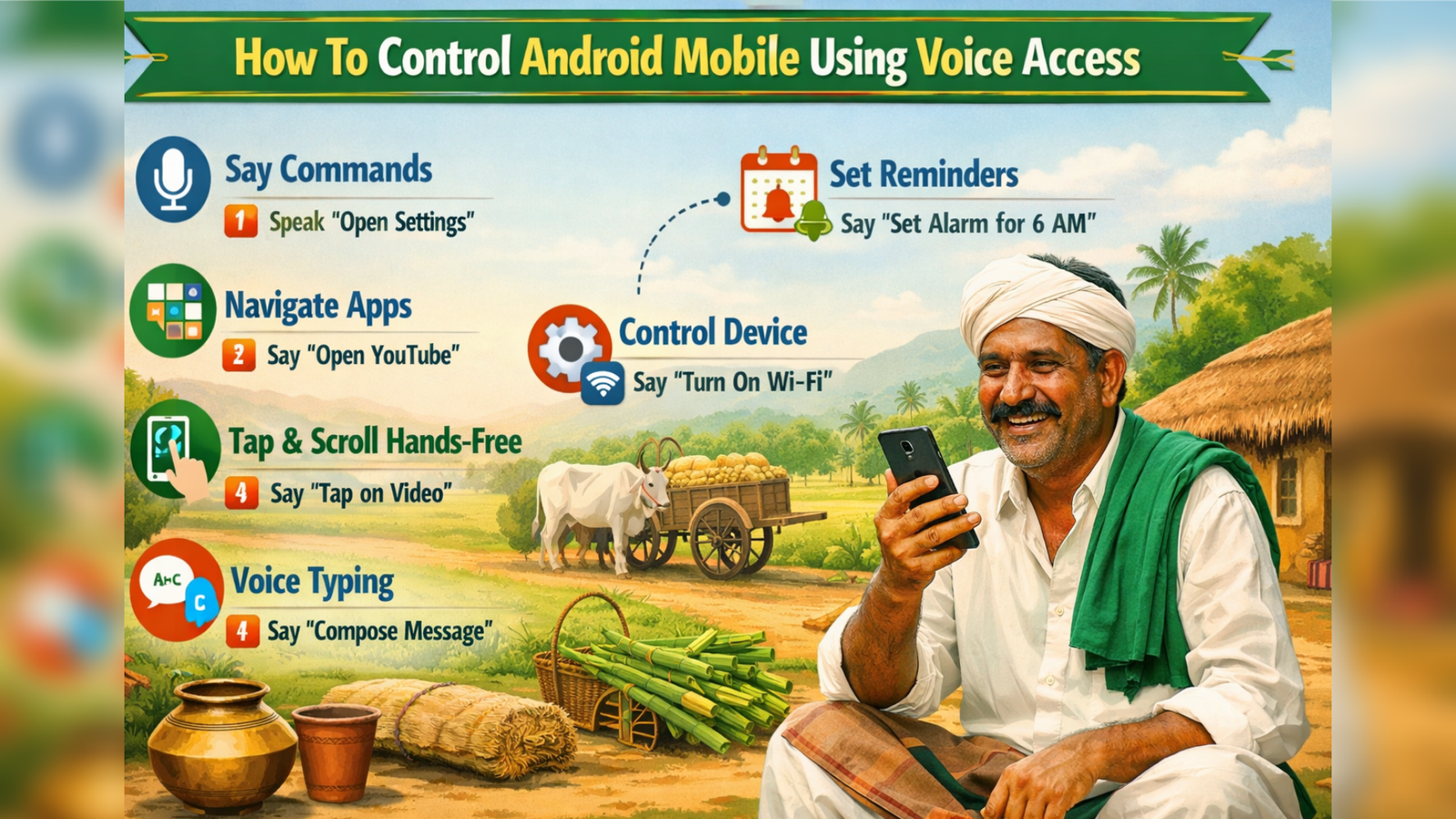
In today’s fast-moving digital world, smartphones offer powerful accessibility features that make life easier. One of the most useful tools available on Android devices is Voice Access. This feature allows you to control your entire mobile phone using only your voice. From opening apps to typing messages, everything can be done hands-free.
What is Voice Access?
Voice Access is an accessibility application developed by Google. It is specially designed to help users operate Android smartphones through spoken commands. While it is mainly built for people with physical disabilities, anyone can use it for convenience and multitasking.
Voice Access works by listening to your voice and converting it into commands that control your phone. It supports navigation, text editing, scrolling, and even advanced actions like selecting specific items on the screen.
How To Enable Voice Access on Android
Setting up Voice Access is simple. Follow these steps carefully:
First, open the Google Play Store on your Android phone and search for “Voice Access.” Download and install the app developed by Google.
After installation, open your phone’s Settings. Scroll down and tap on Accessibility. Inside the accessibility menu, look for “Voice Access” and select it. You may be asked to grant microphone and accessibility permissions. Allow all required permissions for smooth functioning.
Once enabled, a small microphone icon will appear on your screen. This means Voice Access is ready to receive commands.
Basic Voice Commands You Can Use
Voice Access supports many simple and powerful commands. Here are some commonly used examples:
- “Open YouTube”
- “Go Home”
- “Scroll down”
- “Show notifications”
- “Go back”
- “Tap 3” (if numbers appear on the screen)
- “Type Hello, how are you?”
When numbers appear on clickable items, you just need to say the number to select that option. This feature makes it easier to navigate complex screens.
Text Editing with Voice
Voice Access is also helpful for typing and editing text. You can say:
- “Delete”
- “Select all”
- “Replace hello with hi”
- “Move cursor to end”
This allows you to compose messages, emails, and notes without touching the keyboard.
Tips for Better Performance
To get accurate results, speak clearly and naturally. Avoid background noise and ensure your microphone is not blocked. Keeping your internet connection active can improve voice recognition speed and accuracy.
You can also explore advanced settings inside the app to adjust activation methods and command styles according to your preference.
Benefits of Using Voice Access
Voice Access offers many advantages. It allows complete hands-free control, improves accessibility for users with mobility challenges, and increases productivity. It is also helpful while cooking, driving, or when your hands are busy.
Conclusion
Voice Access is a smart and practical feature that transforms the way you use your Android smartphone. With simple voice commands, you can navigate apps, send messages, scroll pages, and control settings effortlessly. By enabling and practicing this tool regularly, you can enjoy a smoother, faster, and more accessible mobile experience.