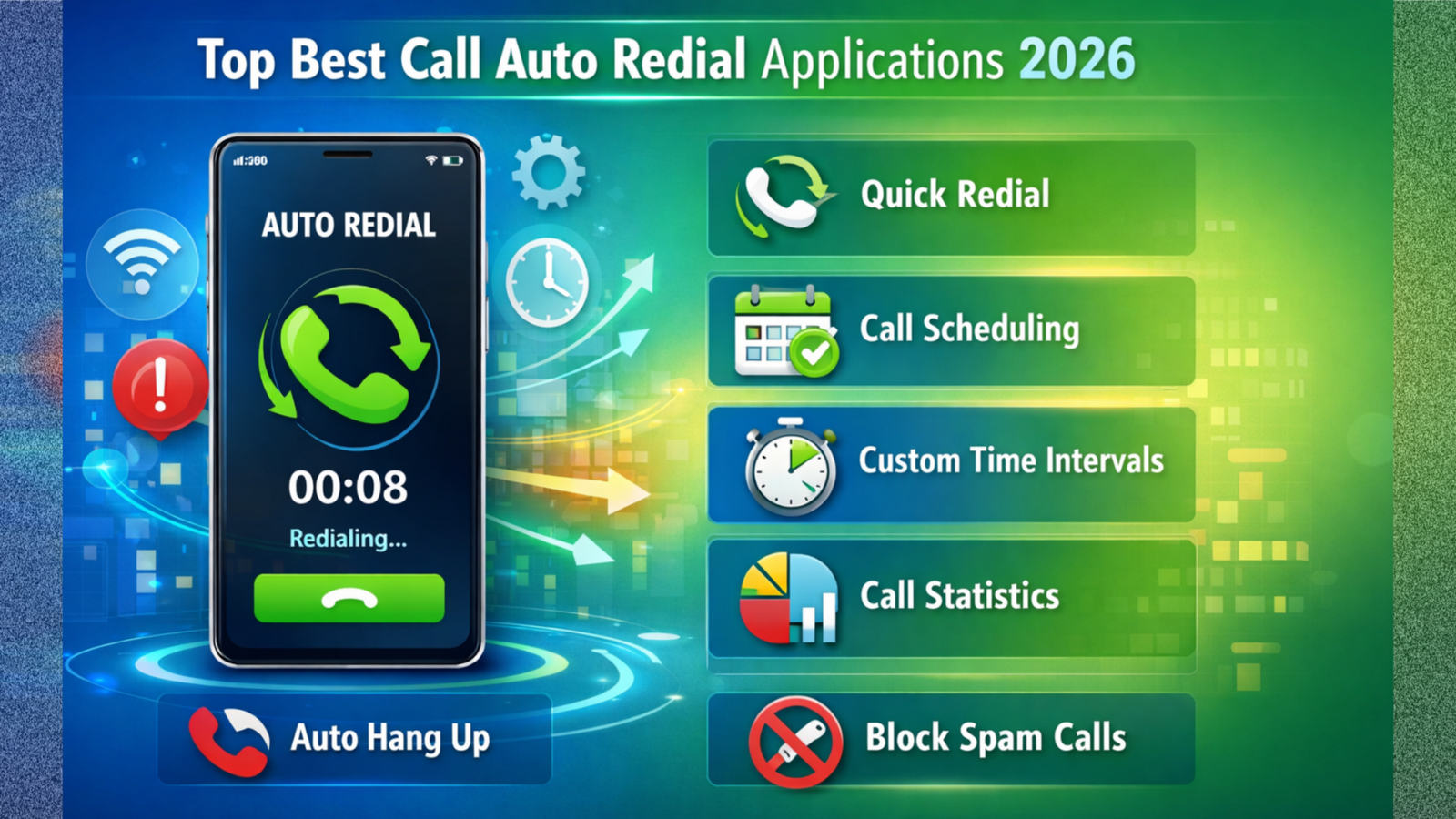
In today’s fast-moving world, getting connected through an important phone call can sometimes be difficult. Whether you are trying to contact customer support, apply for a job, book tickets, or reach a busy office number, repeatedly pressing the call button can be frustrating. This is where Auto Redial Applications become useful. These apps automatically redial a number until the call connects, helping users save time and effort.
Below are some of the best auto redial applications and their full details.
1. Auto Redial
Auto Redial is one of the most widely used applications for automatic calling. It is designed mainly for Android users who frequently face busy numbers or unanswered calls.
Key Features:
- Automatically redials busy numbers
- Option to set custom delay time between calls
- Set maximum number of redial attempts
- Simple and easy-to-use interface
- Lightweight application that works smoothly
Users can enter a phone number, choose the time interval (for example, 5 or 10 seconds), and decide how many times the app should attempt calling. Once started, the app continues redialing until the call connects or reaches the set limit.
2. Automatic Call Redialer
Automatic Call Redialer is another reliable and popular option. It provides more control over call settings compared to basic redial apps.
Key Features:
- Unlimited redial attempts option
- Adjustable delay time between calls
- Call duration control
- Dual SIM support
- Easy start and stop button
This app is especially useful when contacting customer care numbers that remain busy for long periods. Users can customize how long each call should ring before disconnecting and redialing again.
3. Auto Dialer Expert
Auto Dialer Expert is suitable for users who need slightly advanced features. It is helpful not only for personal use but also for small business purposes.
Key Features:
- Schedule automatic calls
- Repeat calls at fixed intervals
- Easy configuration settings
- Suitable for follow-up calls
This app allows users to automate calling tasks and manage repeated dialing more effectively.
How to Use Auto Redial Applications
Using these apps is very simple:
- Download the application from the Google Play Store.
- Open the app and allow required permissions like phone access.
- Enter the number you want to call.
- Set the delay time and number of attempts.
- Tap on Start to begin automatic redialing.
The app will continue calling automatically until the number connects or you manually stop it.
Important Points to Remember
- Use auto redial apps responsibly.
- Avoid setting extremely short intervals that may disturb others.
- Check your mobile balance if you do not have unlimited calling.
- Ensure strong network coverage for better results.
Conclusion
Auto redial applications are very helpful tools for anyone who frequently encounters busy phone lines. Apps like Auto Redial, Automatic Call Redialer, and Auto Dialer Expert make the process of connecting through calls easier and more efficient. By choosing the right application and adjusting the settings properly, users can reduce frustration and save valuable time.
If you regularly face busy signals while making important calls, installing a reliable auto redial app can be a smart and practical solution.