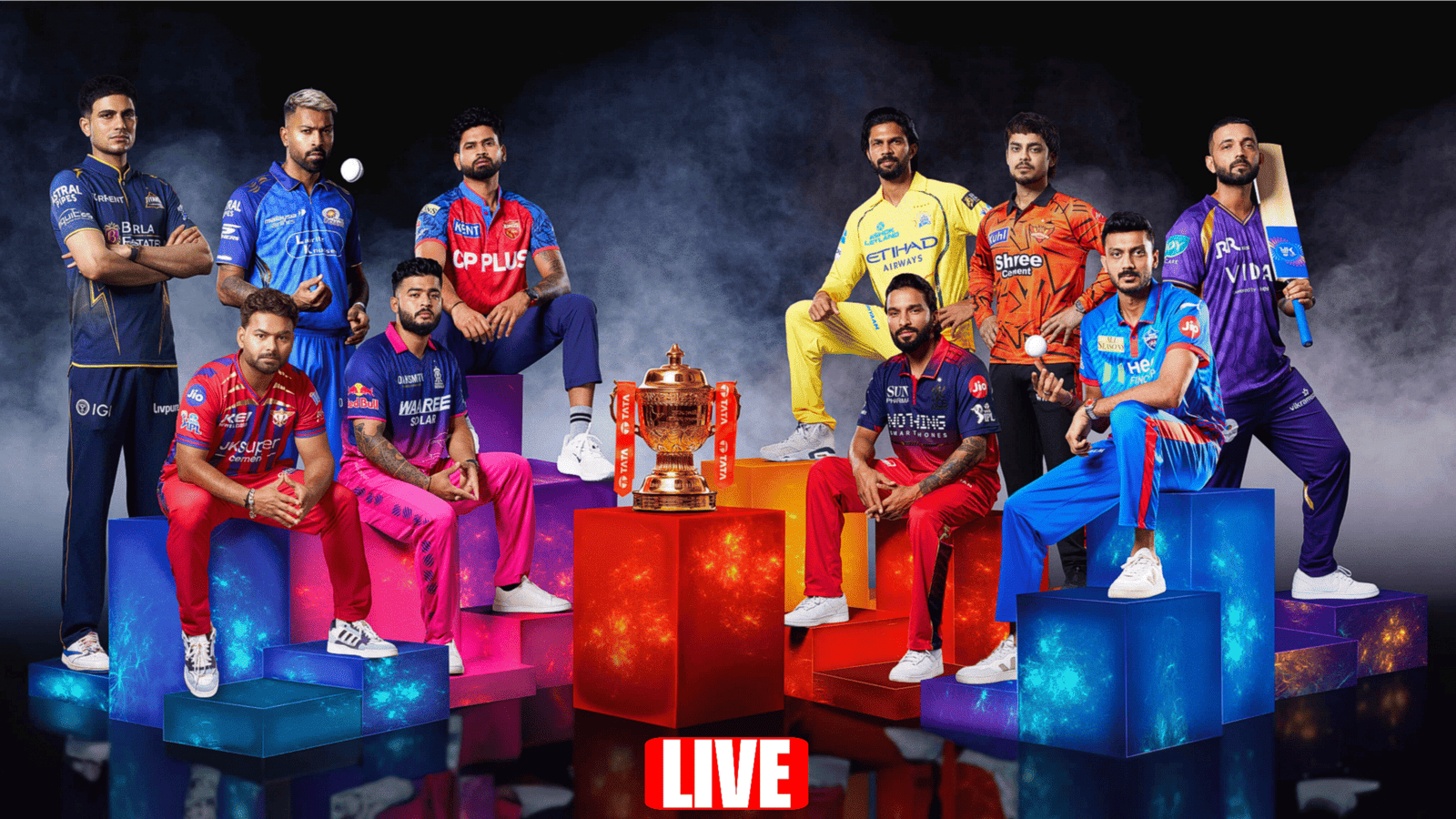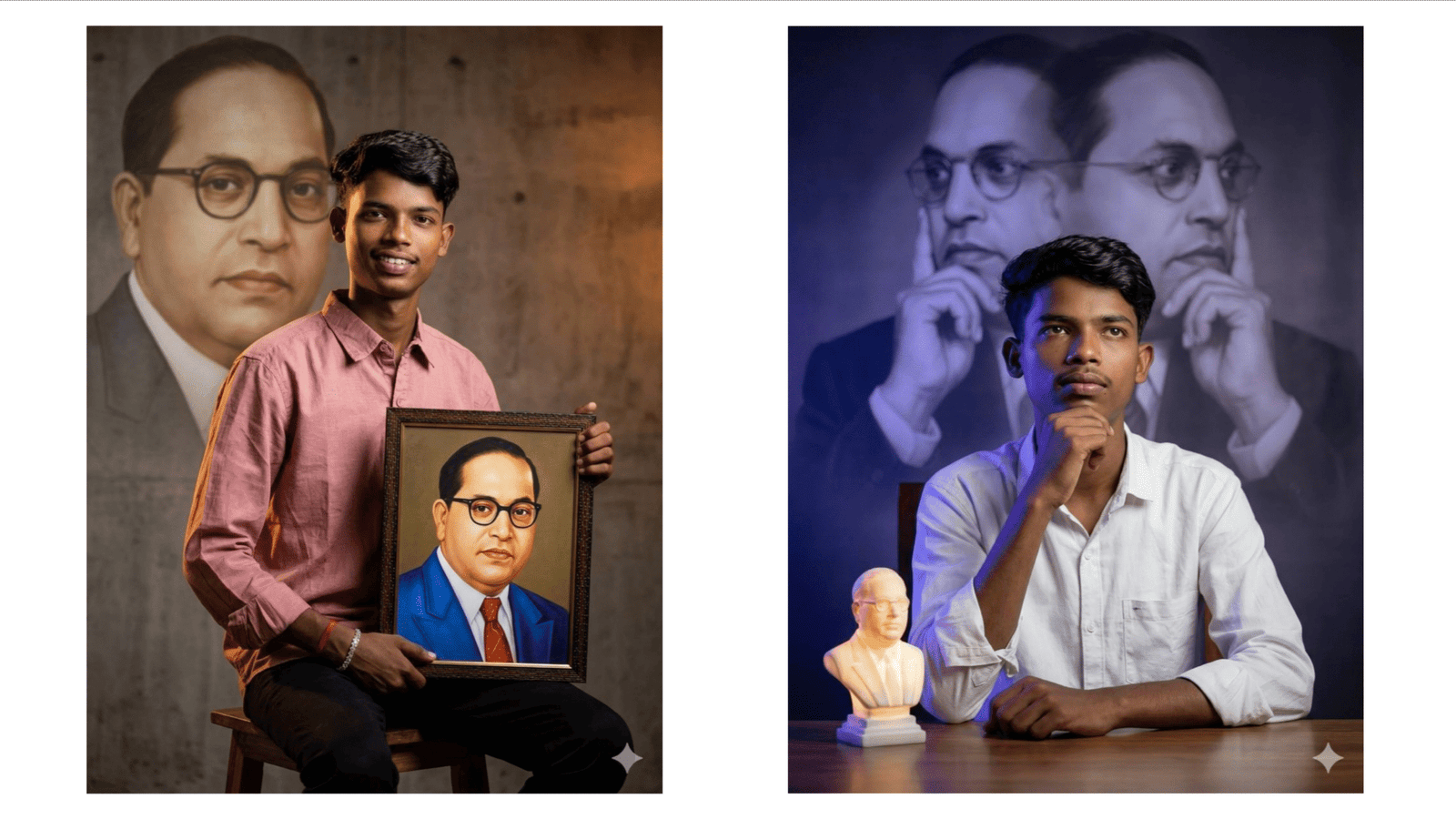
In today’s digital world, AI-generated images are going viral across platforms like Instagram, YouTube, and WhatsApp. With advanced tools like Google Gemini and ChatGPT, anyone can create professional and trending images just by writing a simple text prompt. This guide will help you understand how to create unique and eye-catching AI images step by step.
What is an AI Image Prompt?
An AI prompt is a detailed text description that tells the AI what kind of image you want. The quality of your image depends on how clearly and creatively you write your prompt. A simple prompt may give average results, but a well-detailed prompt can create stunning, high-quality visuals.
For example, instead of writing “man photo,” try writing:
“A stylish Indian man wearing sunglasses, standing on a city street at night with neon lights, cinematic lighting, ultra HD, realistic photo”
This level of detail helps the AI understand your vision better.
Step-by-Step Process to Create Trending Images
1. Select the Right AI Tool
Start by opening Google Gemini or ChatGPT. These platforms provide powerful AI image generation features and are easy to use even for beginners.
2. Choose a Trending Concept
To make your image viral, focus on popular styles such as cinematic portraits, anime characters, fantasy themes, or social media profile edits. Trending concepts attract more attention and engagement.
3. Write a Powerful Prompt
A good prompt includes:
- Subject (person, object, or scene)
- Style (realistic, anime, digital art)
- Lighting (sunset, neon, soft glow)
- Background (city, nature, space)
- Quality (4K, ultra HD, high detail)
Example:
“Young Indian boy sitting on a sports bike, sunset lighting, cinematic view, golden hour glow, ultra HD, Instagram trending style”
4. Generate and Refine
Click generate and review your image. If the result is not perfect, adjust your prompt by adding more details or changing styles. Experimentation is the key to getting the best output.
5. Optimize for Social Media
Use vertical images for reels (9:16) or square format (1:1) for posts. This makes your content look more professional and increases reach.
Pro Tips for Viral AI Images
- Add keywords like “cinematic,” “realistic,” and “trending”
- Use dramatic lighting and shadows
- Focus on facial expressions and emotions
- Keep the composition clean and attractive
- Try different themes and creative ideas
Conclusion
Creating trending AI images is a valuable skill in 2026. With tools like Google Gemini and ChatGPT, you don’t need professional design skills to create stunning visuals. All you need is creativity and the ability to write effective prompts. Practice regularly, follow trends, and keep improving your ideas to stand out in the world of AI-generated content.
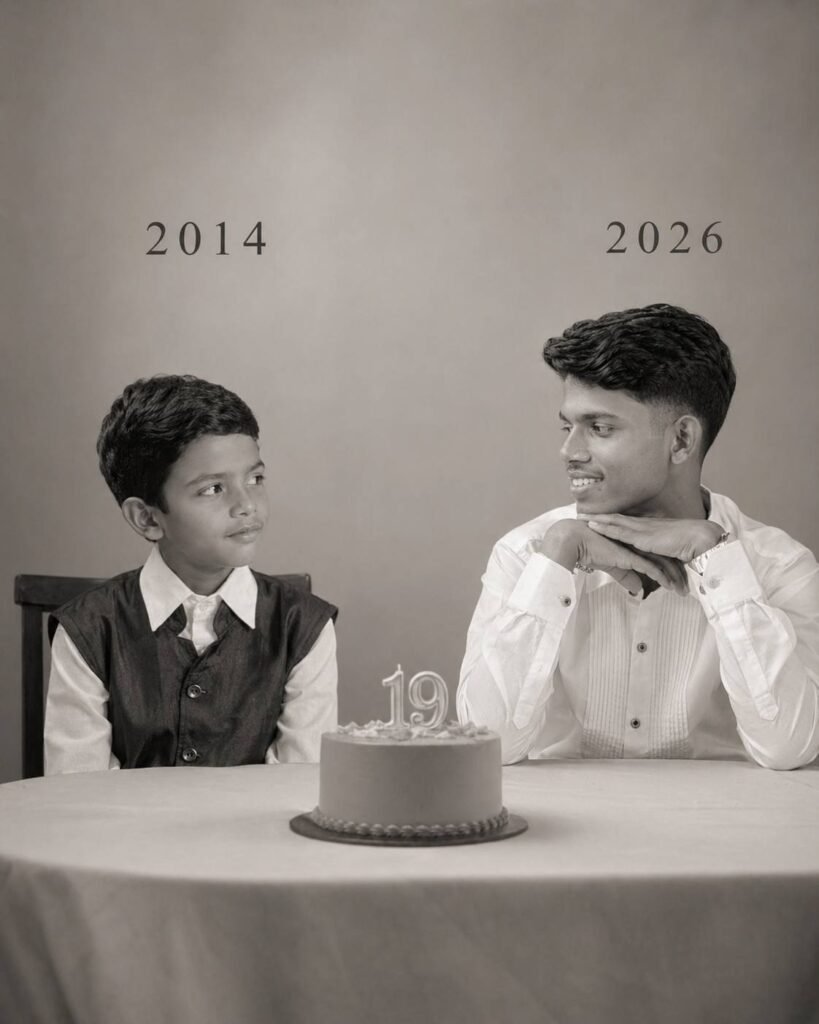
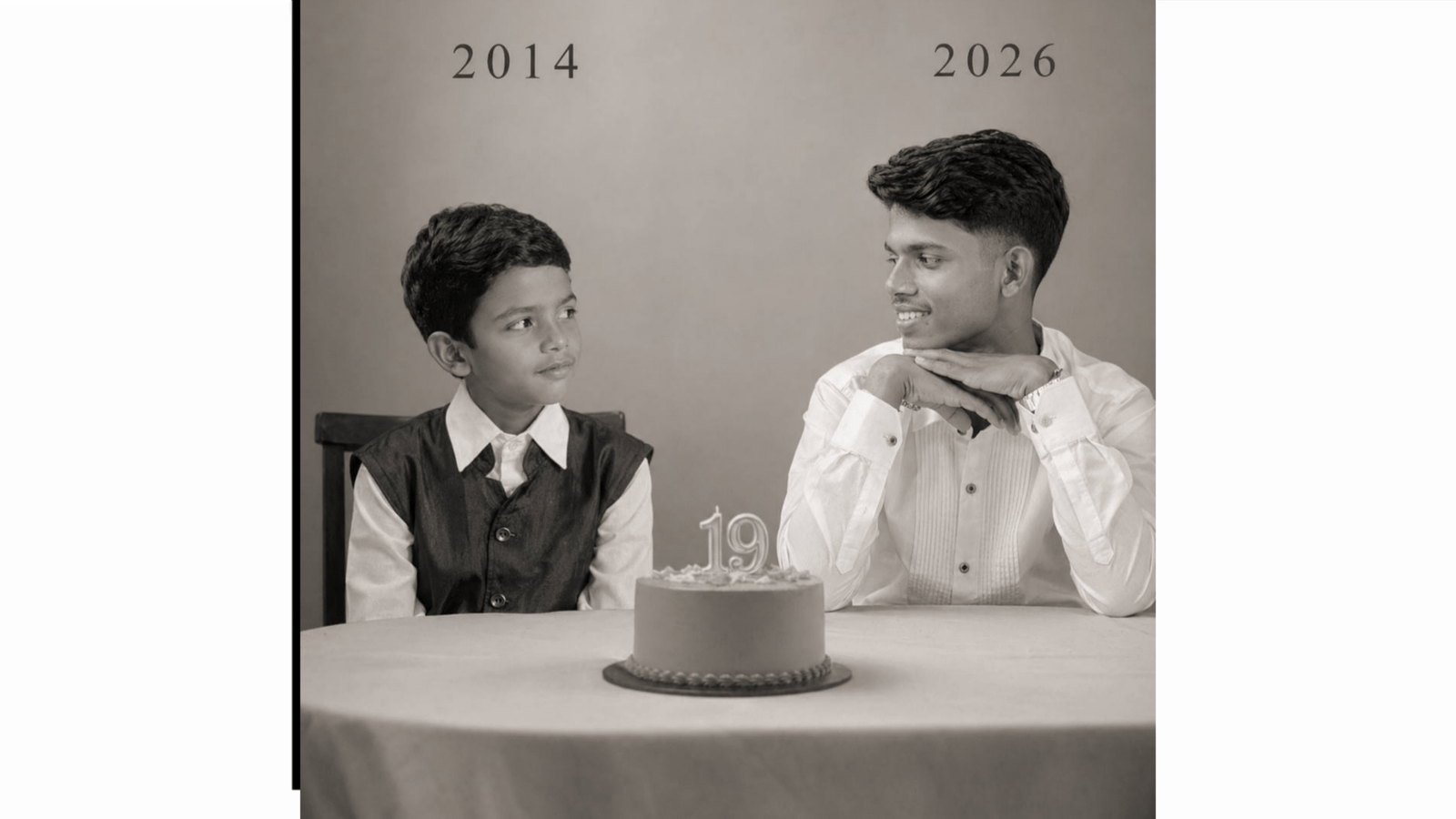
On the left: a child version of me (from a childhood photo looking with an innocent smile to the right, with 2014 written above it.
342
On the right: A present version of me (from a recent photo) sits with her hands under her chin and looks at the child with a calm smile, with "2026" written above her.
In the middle: a table with a simple, elegant birthday cake with number 19 on top.
Studio background: plain and soft (studio background)
The lighting: Soft, cinematic, warm (even a black-and-white photo).
Style: Professional, minimal, emotional photography, focusing on feelings and visual communication between the two versions.
Make the picture look so real like a real photoshoot.
Keep my original features without changing. photo size 4:5