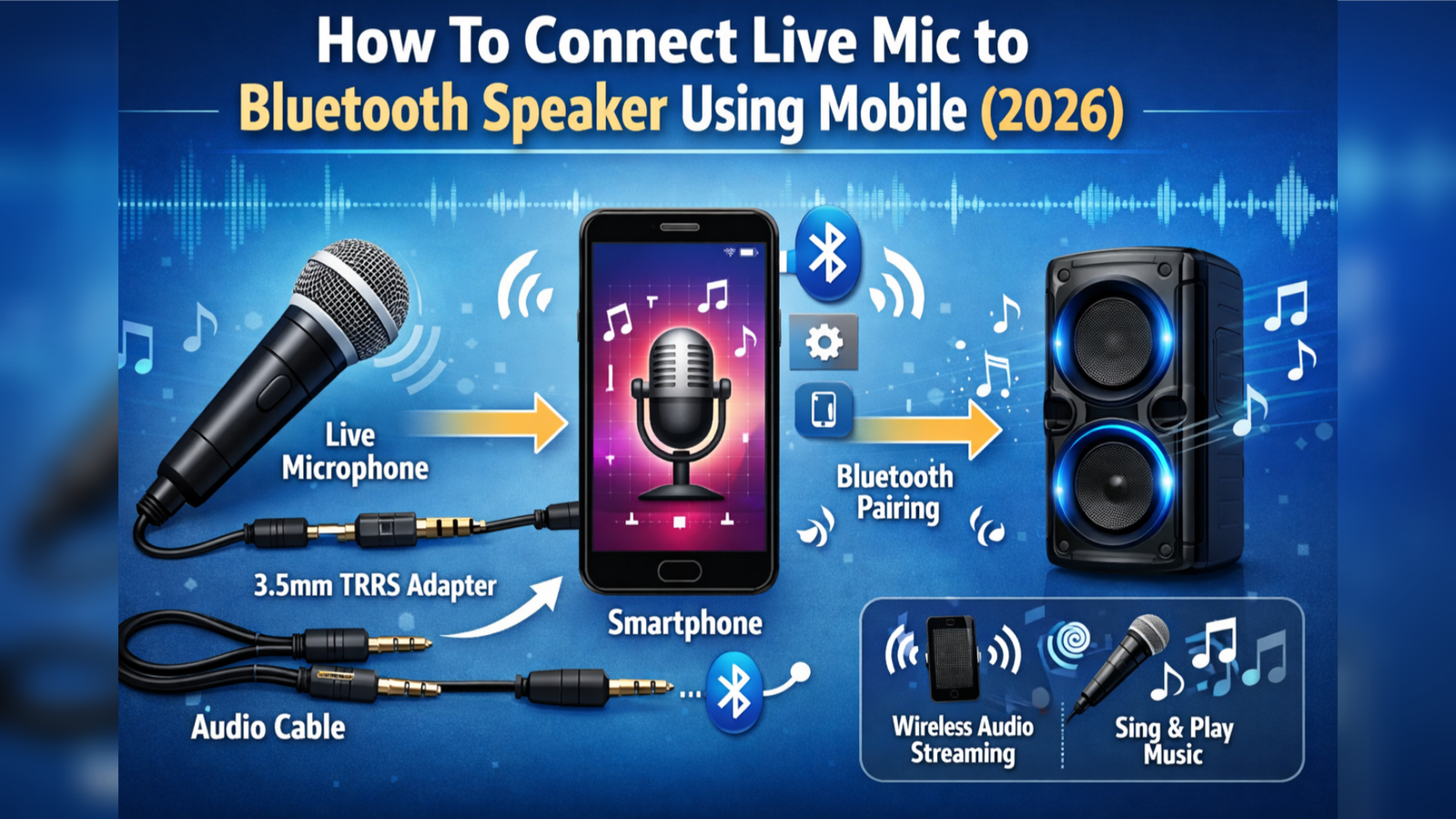
Using your mobile phone as a live microphone connected to a Bluetooth speaker is a smart and simple way to amplify your voice for small events, announcements, singing, or even online classes. With the right application, you can turn your smartphone into a powerful wireless mic system within minutes. In this guide, you will learn how to do it step-by-step along with the best apps to use.
What You Need
Before starting, make sure you have:
- A smartphone (Android or iPhone)
- A Bluetooth speaker
- A microphone app installed on your mobile
- Stable Bluetooth connection
Step-by-Step Process
First, turn on your Bluetooth speaker and enable pairing mode. Then, open your mobile settings and connect your phone to the speaker via Bluetooth. Once connected, all audio from your phone will play through the speaker.
Next, install a microphone application from the Play Store. One of the most popular options is Microphone Live. After installing, open the app and grant microphone permissions.
Inside the app, you will see a simple interface with a “Start” or “Play” button. Tap it to activate the live mic feature. Now, whatever you speak into your phone will be transmitted directly to your Bluetooth speaker in real-time.
Best Applications for Live Mic
Here are some of the best apps you can use:
1. Microphone Live
It offers real-time voice output with minimal delay and works well with Bluetooth speakers.
2. WO Mic
WO Mic is more advanced and allows you to use your phone as a microphone for speakers, PCs, and more. It supports Bluetooth, Wi-Fi, and USB connections.
3. Megaphone
This app is great for announcements. It provides volume control and voice effects, making it ideal for public speaking.
4. Easy Voice Recorder
Though mainly for recording, it can also be used as a live mic when paired with Bluetooth output.
Tips for Better Performance
- Keep your phone close to the speaker to reduce delay
- Use a good-quality Bluetooth speaker for clearer sound
- Avoid background noise for better voice clarity
- Lower the speaker volume if you hear echo or feedback
- Use earphones with mic for improved audio input
Common Problems and Solutions
Sometimes you may experience delay (latency) between speaking and hearing your voice. This happens due to Bluetooth processing. To reduce it, use apps with low latency or switch to wired connections if needed.
If there is no sound, check whether your Bluetooth speaker is selected as the audio output device and ensure microphone permission is enabled in the app settings.
Final Thoughts
Turning your mobile into a live microphone connected to a Bluetooth speaker is an easy and cost-effective solution. Whether you are hosting a small event, practicing singing, or making announcements, these apps provide a quick setup without needing extra equipment. By choosing the right application and following simple steps, you can enjoy a smooth and powerful audio experience directly from your smartphone.