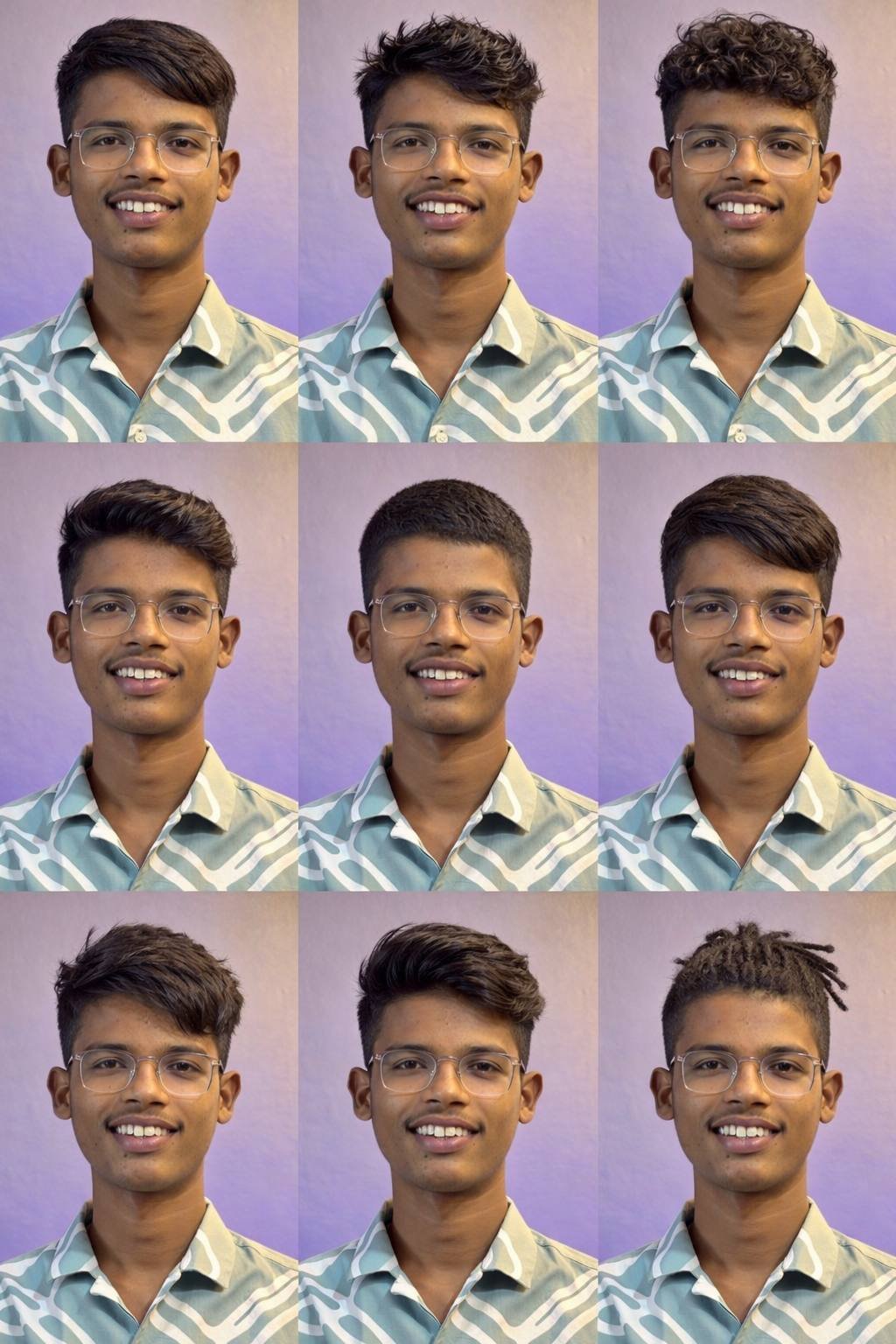
Choosing the perfect haircut is no longer limited to salon visits or guessing from old photos. With AI tools like Google Gemini, you can explore styles that actually match your face shape, hair type, and lifestyle—if you know how to ask the right way. In this blog, you’ll learn step by step how to find the best haircut using Google Gemini by crafting smart, detailed prompts that give accurate and useful results.
What Is Google Gemini and Why Use It for Haircuts?
Google Gemini is an AI-powered assistant designed to understand natural language and generate detailed, personalized responses. When it comes to haircuts, Gemini can act like a virtual stylist. It can suggest styles, explain why they suit you, and even help you communicate clearly with your barber or stylist. The real power lies in the prompt—the way you describe your needs to the AI.
Step 1: Understand Your Personal Features First
Before typing any prompt, gather basic information about yourself. The more clarity you have, the better Gemini performs.
Key details to note:
- Face shape (round, oval, square, heart, long)
- Hair type (straight, wavy, curly, coily)
- Hair thickness (thin, medium, thick)
- Gender and age group
- Lifestyle (office job, student, athlete, low-maintenance preference)
These details help Gemini narrow down haircut styles that are realistic and suitable for you.
Step 2: Write a Clear and Detailed Prompt
A vague prompt gives generic answers. A detailed prompt gives personalized haircut suggestions. Instead of asking “Which haircut is best for me?”, describe yourself properly.
Example of a weak prompt:
“Suggest a trendy haircut.”
Example of a strong prompt:
“Suggest the best modern haircut for a 25-year-old man with a round face, thick wavy hair, and a professional office lifestyle. I prefer a low-maintenance style.”
This kind of prompt helps Google Gemini analyze multiple factors at once and respond like a professional stylist.
Step 3: Ask for Variations and Explanations
To get the best value, ask Gemini to explain why a haircut suits you. You can also request multiple options.
Useful prompt add-ons:
- “Explain why this haircut suits my face shape”
- “Give 3 haircut options with pros and cons”
- “Suggest barber-friendly haircut names”
- “Mention styling tips for daily maintenance”
This ensures you don’t just copy a style blindly but understand how it works for you.
Step 4: Use Follow-Up Prompts for Perfection
One great advantage of Google Gemini is conversation-based refinement. If you don’t like the first suggestion, improve it.
Follow-up prompt examples:
- “Make it more stylish but still office-appropriate”
- “Suggest the same haircut with short sides”
- “Is this haircut suitable for summer weather in India?”
Each follow-up sharpens the result until it matches your exact need.
Step 5: Prepare for the Barber Visit
Once you finalize a haircut suggestion, ask Gemini to convert it into simple barber instructions.
Prompt example:
“Explain this haircut in simple terms that I can tell my barber.”
This avoids confusion and helps you get the exact look you want in real life.
Final Thoughts
Finding the best haircut using Google Gemini is all about smart prompting. When you clearly describe your features, preferences, and lifestyle, Gemini becomes a powerful personal grooming assistant. Instead of trial and error, you get informed, confident haircut choices that suit you perfectly. With the right prompt, your next haircut doesn’t have to be a risk—it can be a guaranteed upgrade to your style.
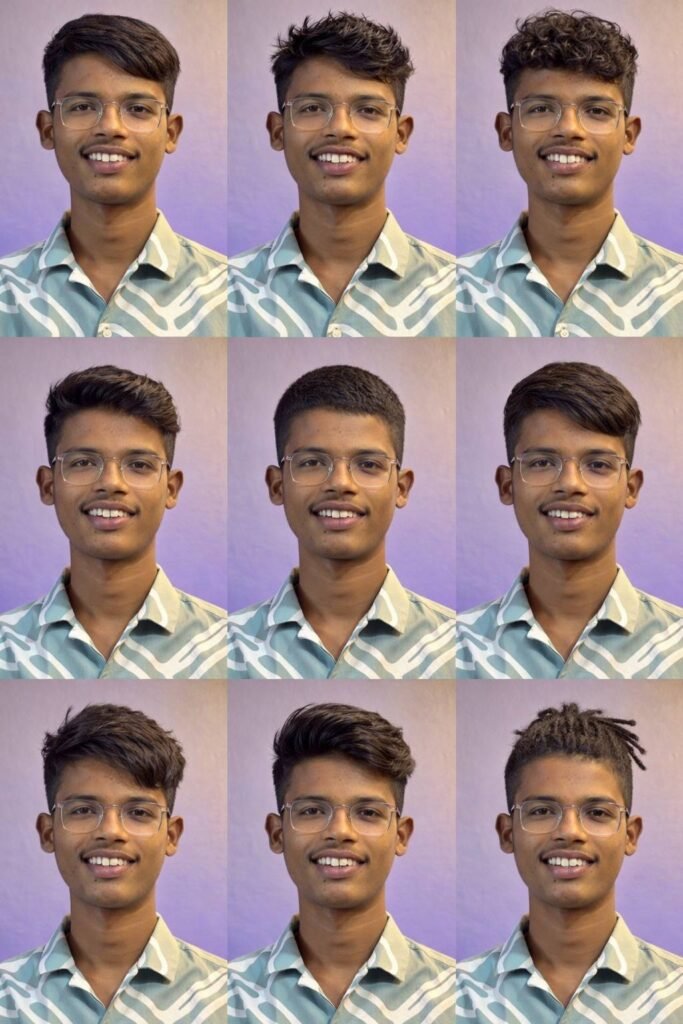
For MALE
Use the uploaded image as a STRICT, NON-NEGOTIABLE identity reference.
ABSOLUTE FACE LOCK (HIGHEST PRIORITY):
The face in the output MUST be pixel-identical to the uploaded image
SAME facial geometry, SAME skin texture, SAME pores, SAME moles, SAME asymmetry
SAME expression, SAME head tilt, SAME eye direction
SAME pose — pose must NOT change
Face must be 100% accurate, no deviation allowed
NO beautification, NO symmetry correction, NO aging or de-aging
NO gender change, NO facial feature enhancement
NO lighting changes that alter facial appearance
FACE ACCESSORIES & DETAILS (MANDATORY):
If the uploaded face has spectacles / glasses, they MUST remain
Same spectacles shape, size, position, reflection, and alignment
NO removal, NO replacement, NO modification of specs
All facial accessories must be carried across ALL images
FIRST (INTERNAL STEP ONLY — DO NOT OUTPUT TEXT):
Analyze the uploaded face to determine:
Face shape
Hair density
Hair texture and curl pattern
Natural growth direction and hairline
SECOND (FINAL OUTPUT — IMAGE ONLY):
Generate ONE single vertical 9:16, true-4K composite image
Image must contain a 3×3 grid
GRID RULES:
9 UNIQUE hairstyles (no repeats)
Hairstyles applied realistically while preserving the EXACT SAME FACE
Hair is the ONLY editable region
Face, skin tone, shadows, proportions must remain untouched
Pose, camera angle, framing must remain identical in all 9 tiles
CRITICAL HAIRSTYLE RESTRICTION (MANDATORY):
ONLY masculine male hairstyles appropriate to the subject
NO long shiny female hairstyles
NO feminine textures, silky gloss, or girl-style hair
NO wigs, extensions, or beauty-model hair
Hair must match natural male realism based on analyzed hair traits