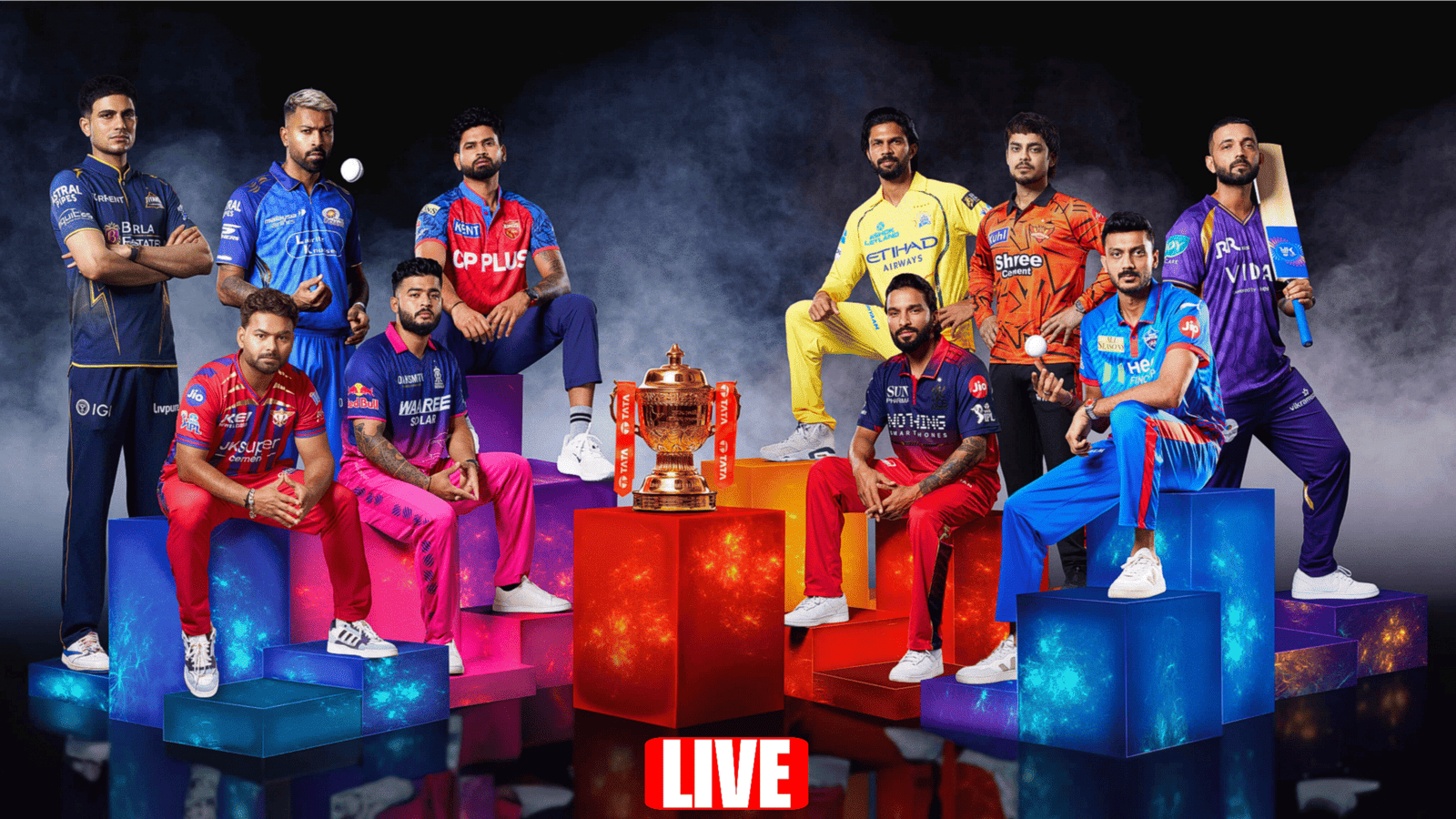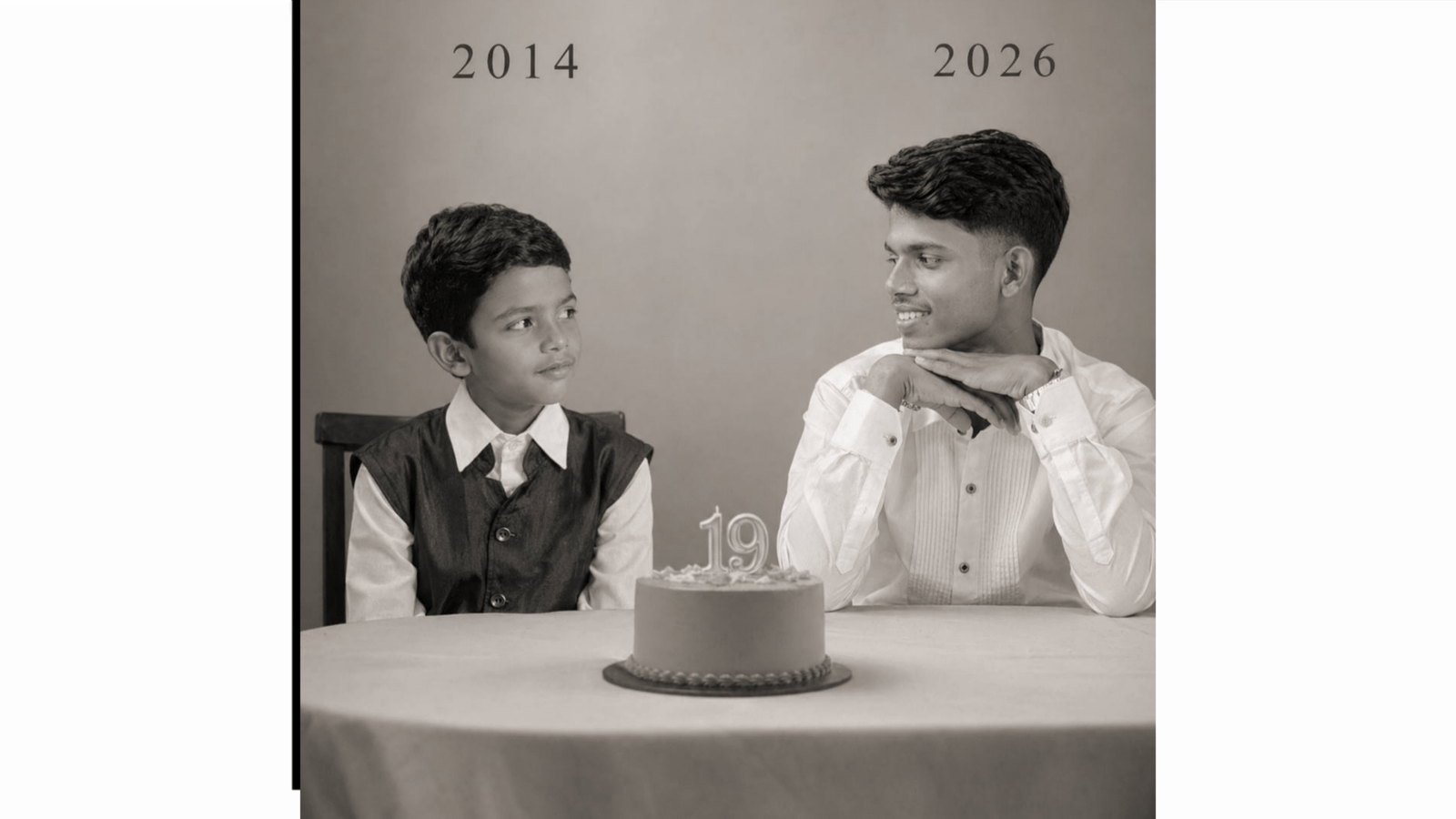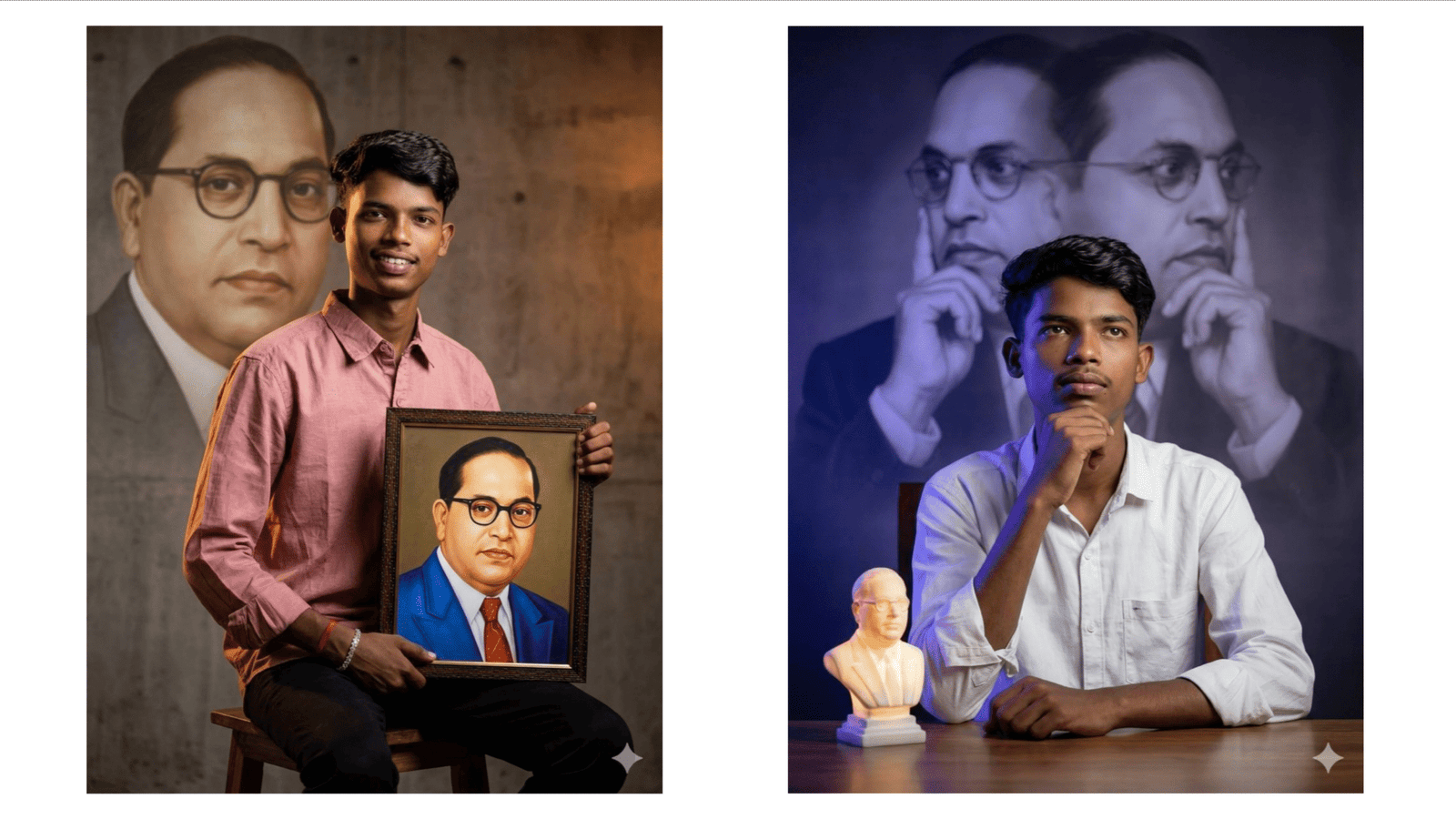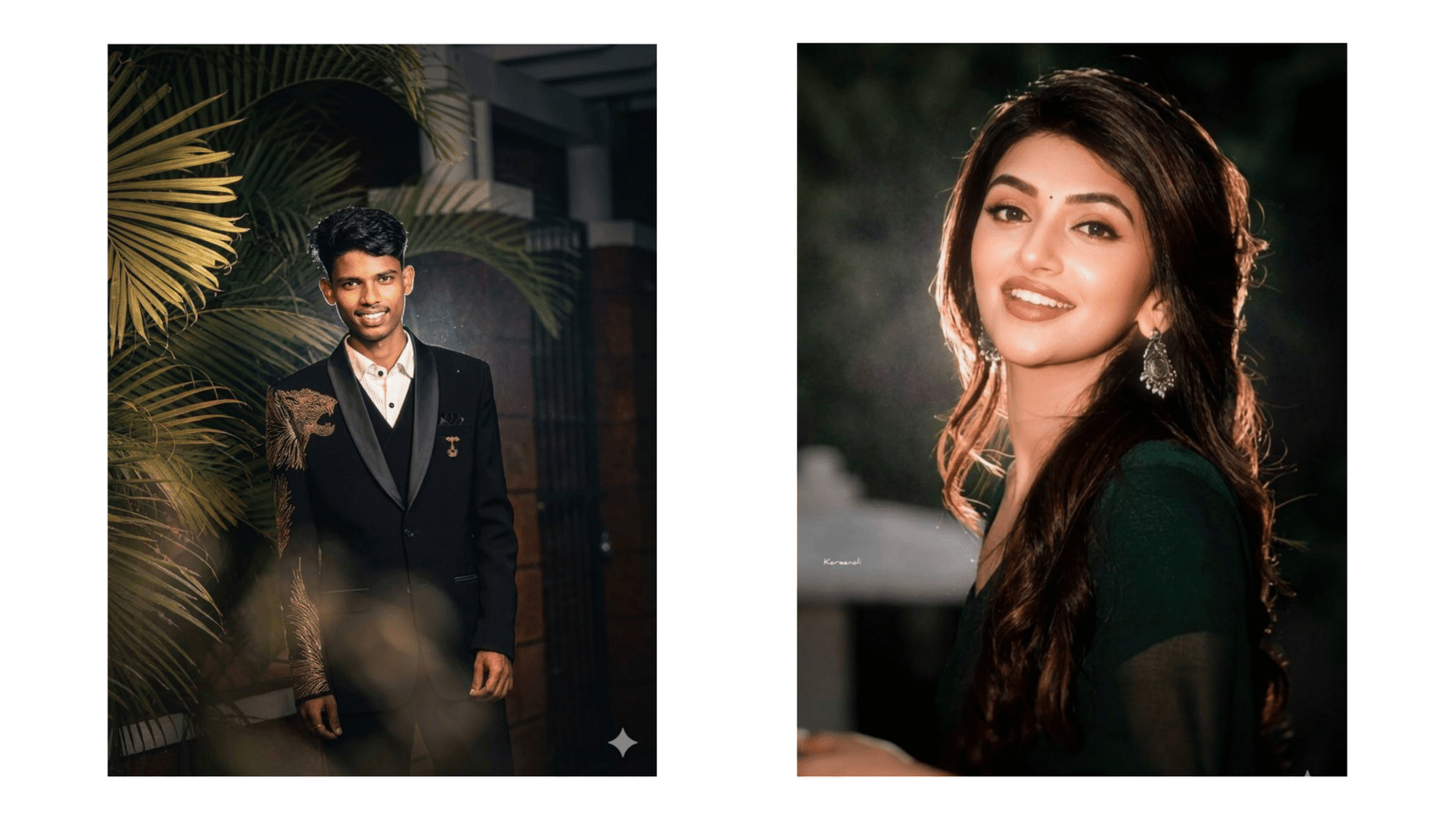
In 2026, AI-generated images have taken a creative leap, and one of the most viral styles dominating social media is the glow effect. From neon portraits to magical fantasy edits, glow-style images are everywhere. Thanks to advanced tools like ChatGPT and Google Gemini, creating these stunning visuals has become simple, fast, and accessible to everyone.
What is a Glow Effect in AI Images?
A glow effect refers to adding luminous lighting around a subject, such as a person, object, or background. This effect enhances visual appeal by creating a radiant aura, often using neon colors like blue, pink, purple, or gold. It gives images a futuristic, cinematic, or dreamy look that stands out instantly on platforms like Instagram and YouTube thumbnails.
Why Glow Effect Images Are Trending
Glow effect images grab attention quickly due to their vibrant colors and high contrast. In today’s fast-scrolling digital world, users are naturally drawn to bright, glowing visuals. This trend is also popular among content creators, gamers, influencers, and designers who want their content to look modern and professional without spending hours editing.
How to Create Glow Effect Images Using AI
Creating glow effect images starts with writing the right prompt. AI tools like ChatGPT help you generate or refine prompts, while Google Gemini can produce visually rich outputs based on those prompts.
A good prompt includes five key elements:
- Subject (who or what is in the image)
- Style (realistic, anime, fantasy, cyberpunk)
- Lighting (neon glow, soft glow, cinematic light)
- Colors (blue, pink, purple, gold)
- Quality (4K, ultra HD, highly detailed)
For example, instead of writing a simple prompt like “boy photo,” try:
“A stylish boy with neon blue and pink glow lighting, cyberpunk background, ultra HD, cinematic lighting, high detail.”
This level of detail helps AI understand your vision clearly and produce better results.
Best Glow Effect Prompt Ideas
Here are some trending prompt ideas you can try:
- “Fantasy warrior with golden glowing eyes, dark background, magical particles”
- “Selfie with neon purple glow, blurred background, Instagram style”
These prompts can be customized based on your creativity and purpose.
Tips for Better Results
To create eye-catching glow images, focus on contrast. A dark background combined with bright glow effects makes your subject pop. Also, experiment with different glow intensities—soft glow for aesthetic looks and strong neon glow for dramatic effects.
Always include quality keywords like “high resolution” or “ultra HD” to ensure your image looks sharp and professional. If the output isn’t perfect, refine your prompt by adding more details or changing color combinations.
Conclusion
AI glow effect image creation is more than just a trend—it’s a powerful way to express creativity. With tools like ChatGPT and Google Gemini, anyone can design stunning visuals in seconds. By learning how to write effective prompts and experimenting with styles, you can easily create viral and professional-quality images. Start creating today and let your imagination shine with glowing brilliance.
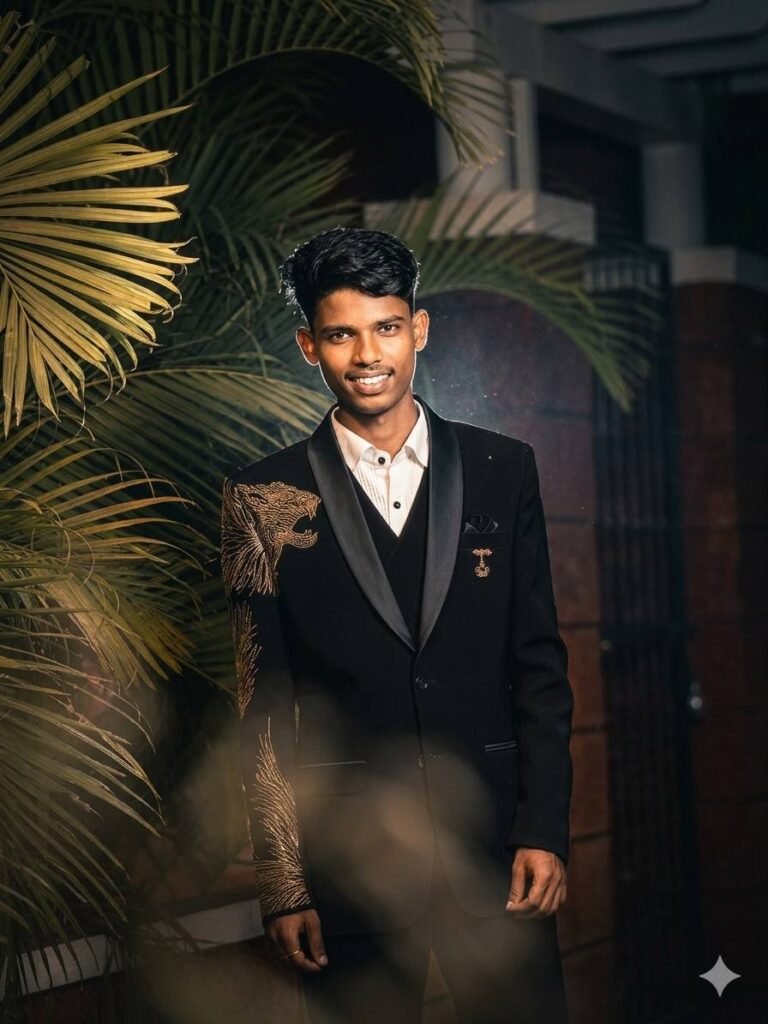
Apply a cinematic night-flash aesthetic while preserving every original detail. Do not alter the subject's face, hair, identity, pose, framing, lens, or composition. Keep a dark nighttime environment with existing shadows and background intact. Use a strong warm front flash on the face and upper body so the subject is the brightest element. Add high contrast, subtle bloom, light haze, gentle peach skin glow, soft backlit hair strands, and slight foreground depth. Face, hair, pose, and composition must remain 100% identical.